
Following last week’s article about language and locale settings in macOS, and a resulting request from SarBen, I’m pleased to provide a new version of Mints that should deliver extensive if not exhaustive information about those. I have also tested this more extensively against the current beta of macOS 27 Golden Gate, and consider it should be fully compatible.
This version now has a 26th button in its main window, marked Locale.
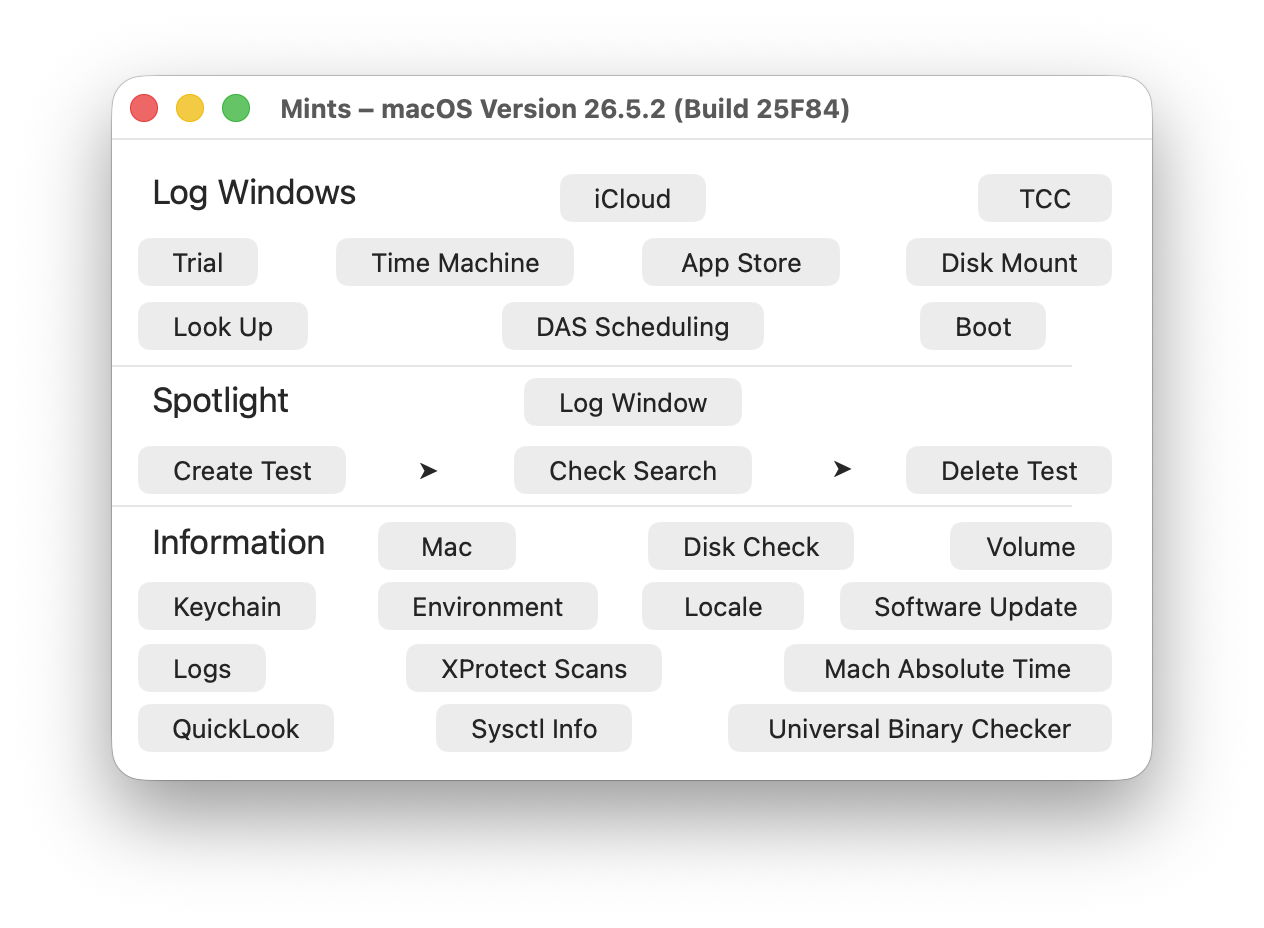
Click on that to see a listing of locale settings in two groups:
- first detailing location, language and text conventions, currency, measurement, numbering and time zone,
- then calendar details, including exhaustive lists of local symbols for weekdays, months, quarters and eras.
The only locale-related settings that aren’t given are those for prevailing date and time formats, which don’t appear to be linked into system locale in the same way.
These values are given for what Apple terms the autoupdatingCurrent version, which are updated whenever they change, so can be checked as you’re adjusting settings, at the moment you click on the button to open the window.
However, there’s a complication. When an app asks for locale settings, the answers it’s given also depend on the localisation of the requesting app. If the current language isn’t available as a localisation for that app, macOS is likely to fall back to the default set by the running app. Previously, that would inevitably have been English, which would defeat the whole purpose of this feature.
To address that, Mints now has localisations for nearly 60 languages, although none of those includes any translations, and remain in English. Provided the locale language is supported by one of those localisations, information given should then reflect system locale settings, not those of Mints.
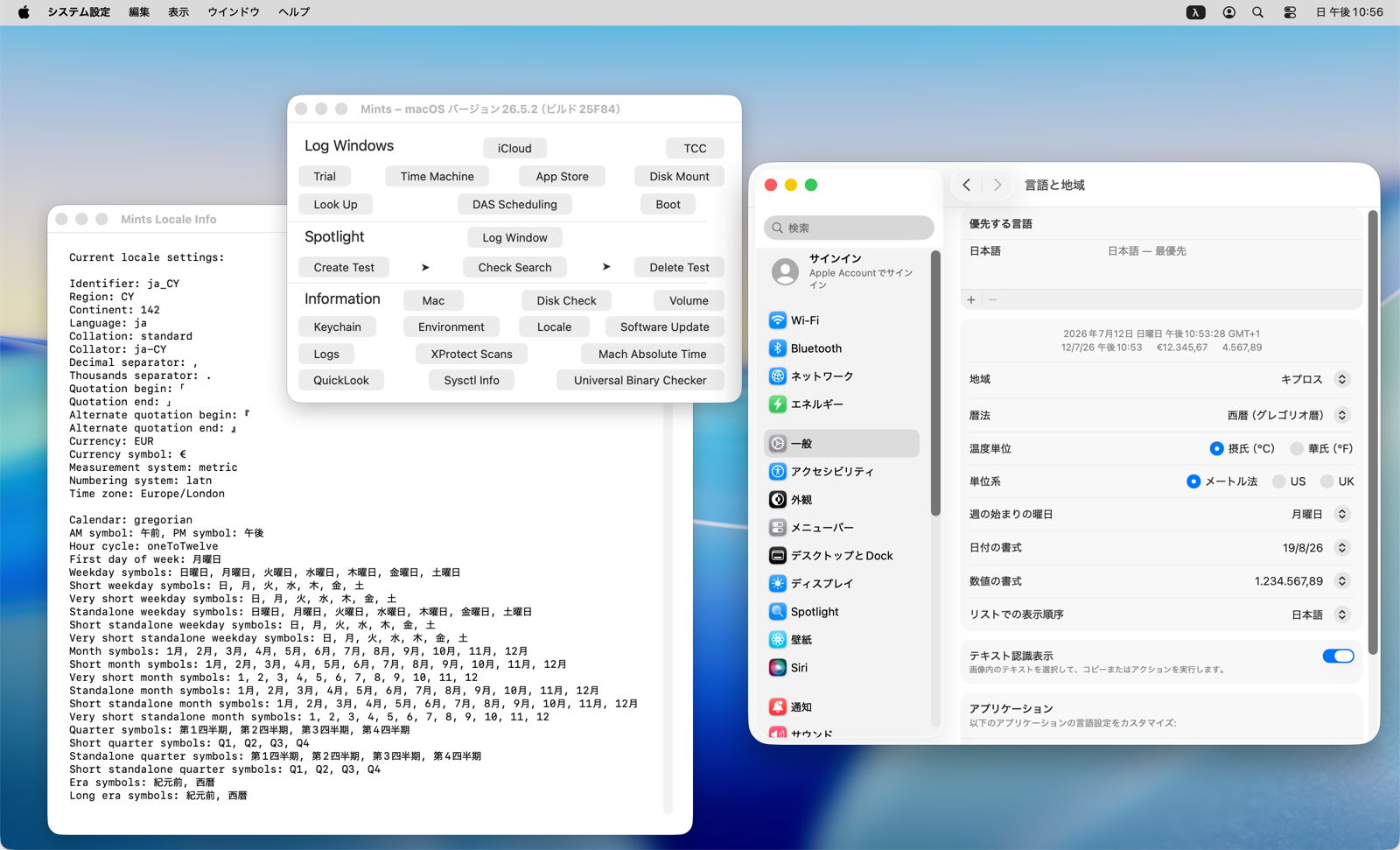
To confuse you further, here’s a screenshot from testing, with this VM running in Japanese. Unfortunately, because of my inability to read Japanese, I set its location to Cyprus, an unusual combination, but Mints seems to have taken that in its stride.
Mints version 1.22 for macOS Big Sur and later, including Golden Gate, is now available from here: mints122
from Downloads above, from its Product Page, and via its auto-update mechanism.
Have fun!

