
iCloud Drive has changed beyond all recognition over the last eight years or so, since I introduced the first version of my free utility Cirrus. In those days, the user didn’t have direct control over whether to evict (remove download) or download files stored there, and as far as I’m aware, it was Cirrus (March 2018) and its companion Bailiff (May 2018) that first supported those. Since then, Apple has added them to the Finder’s contextual menu.
Then in macOS Sonoma (2023) iCloud Drive started using a new framework, File Provider, and in Sequoia (2024) has added support for pinning to ensure files remain downloaded. Over that period, Cirrus seems to have remained the only utility designed specifically to investigate and diagnose problems with iCloud Drive.
I’m delighted to offer an update to Cirrus, bringing it to version 1.17, intended to work better with iCloud Drive from Sonoma onwards.
Previous versions have let you open files in iCloud Drive, but because of the File Provider API Cirrus couldn’t download or evict files, and could sometimes cause problems of its own with stuck resources. This new version removes the File menu altogether, as there’s nothing to be gained from that approach any more.
The app’s four main features remain:
- the browser window to provide detailed information about folders and files in iCloud Drive, which now includes pinned files;
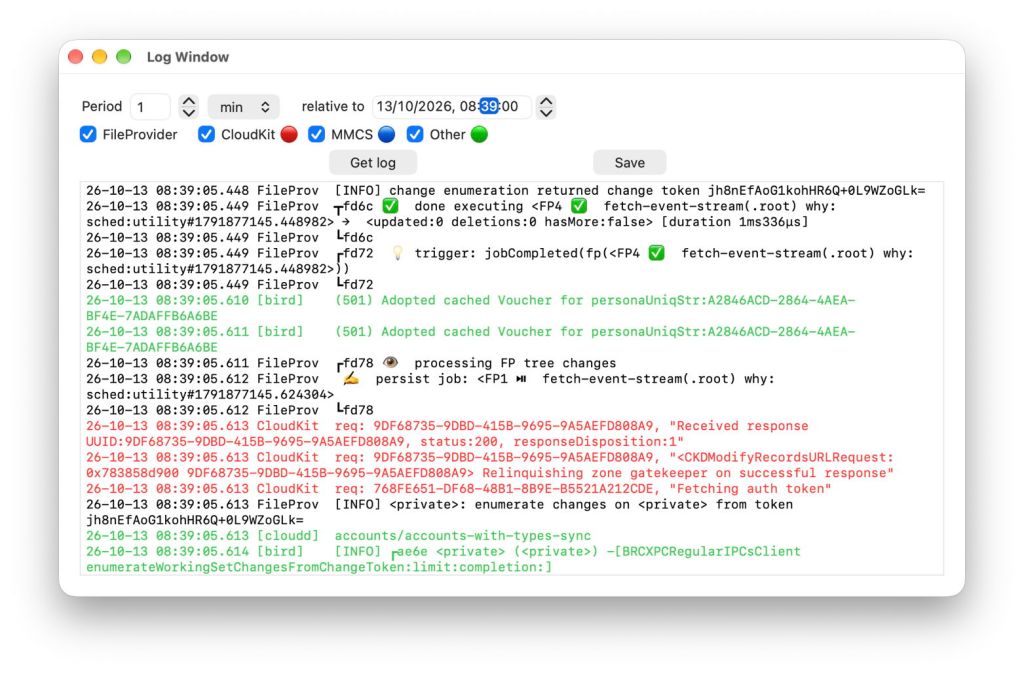
- the log browser window to show custom log extracts containing just entries relevant to iCloud Drive, which has been improved;
- the pinned file crawler to provide information about pinned files, and their total number and size;
- test file upload to iCloud Drive.
Log Browser
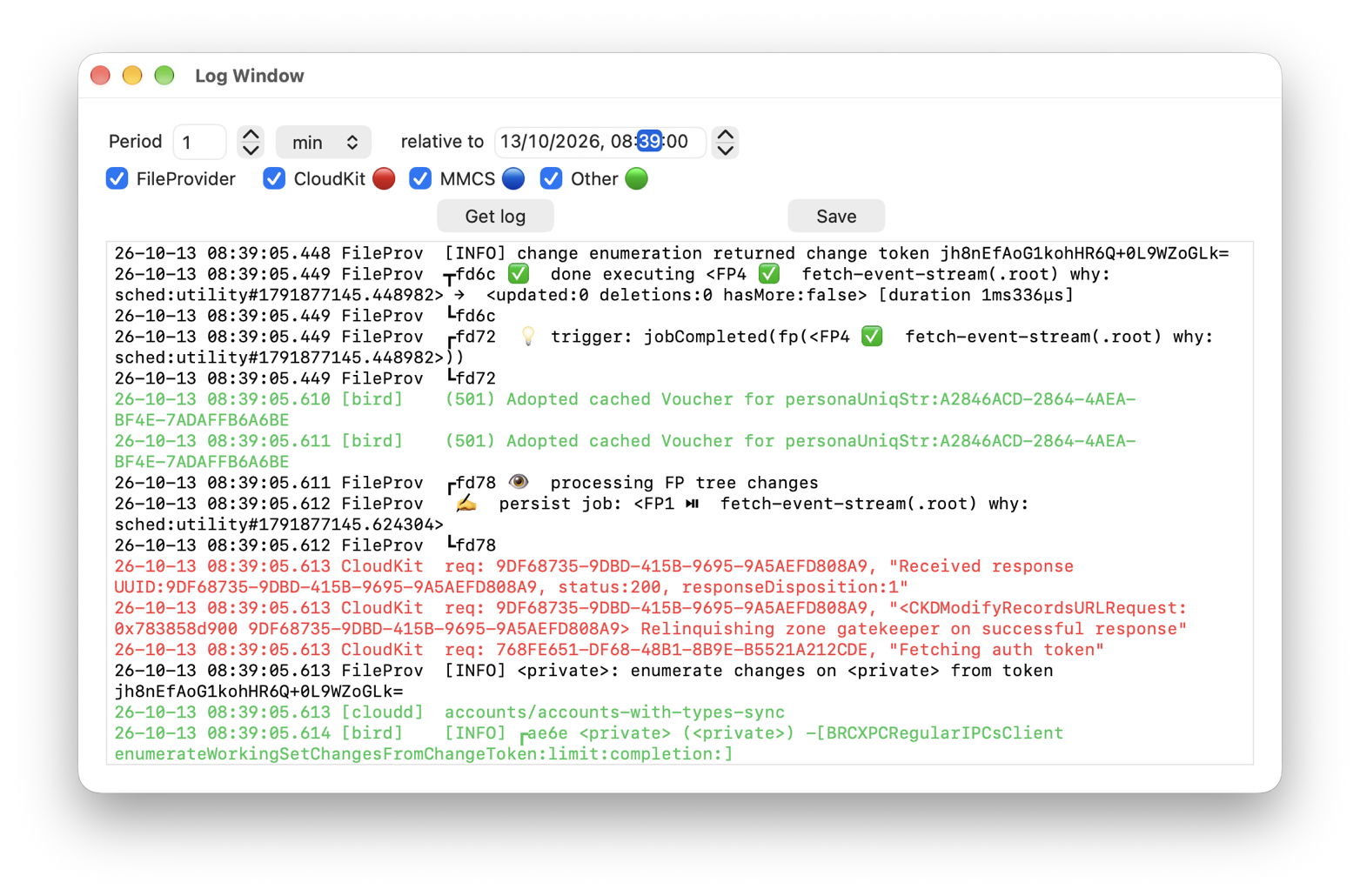
Previous versions require you to enter start and end times for log excerpts, a chore which is prone to error. That has been replaced with the simpler and bombproof time period relative to a set date and time, as used in Mints and LogUI. You can make that the start of the excerpt, in which case the period is a positive number, the seconds or minutes after that start. Or, if you prefer, you can make the date and time the end of the extract, giving a negative period of seconds or minutes prior to that, when the excerpt starts. That period can range from 1 second to 60 minutes.
Pinning
I have already described how this works in iCloud Drive, and the differences between pinning individual files and folders. Cirrus checks for the pinning extended attribute attached to files that have been pinned individually in a group, but it doesn’t check whether a file is inside a pinned folder, and is thus also pinned but doesn’t have that extended attribute attached.
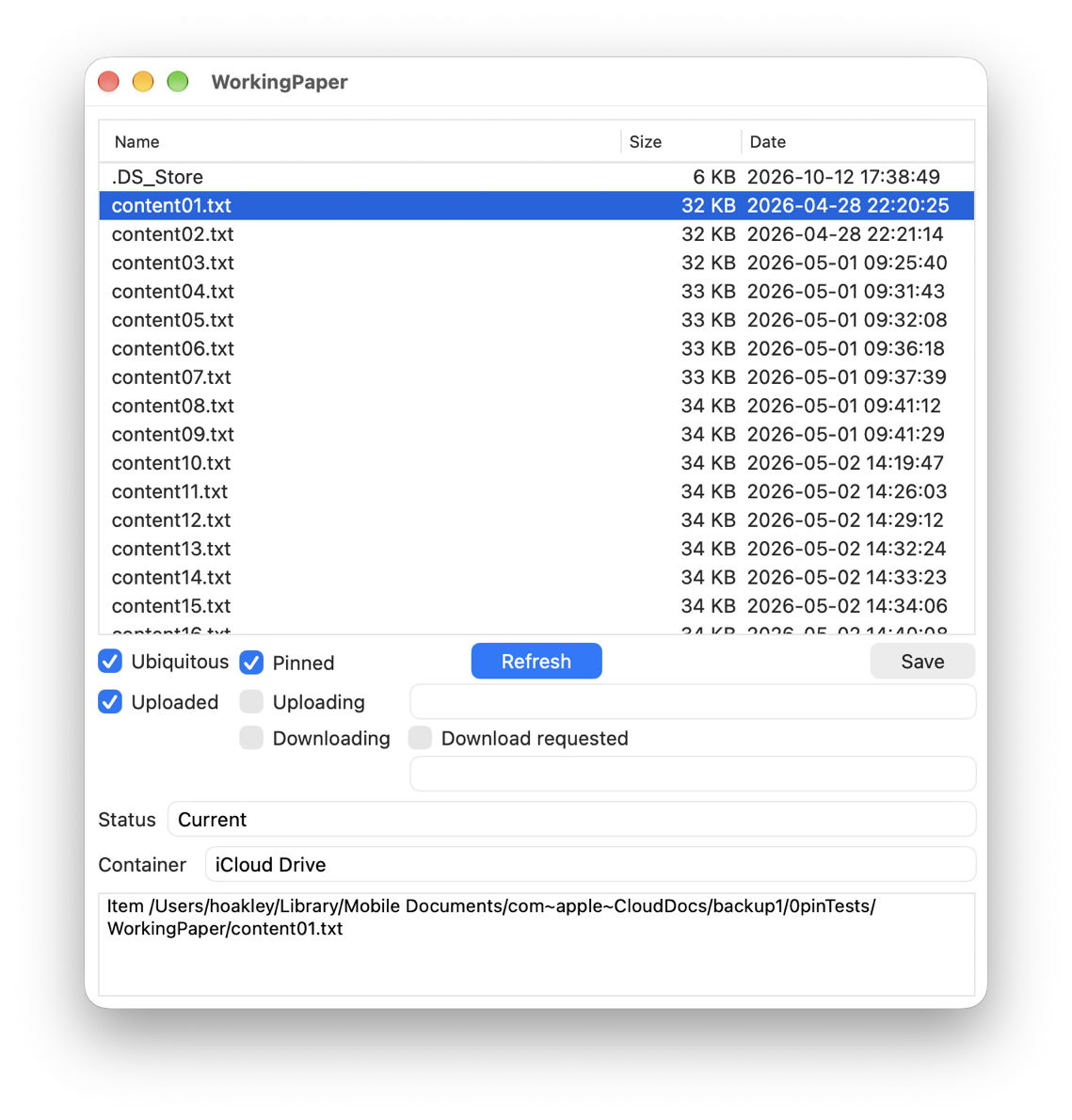
Checking for files that are pinned by virtue of their being inside a pinned folder might be simple for iCloud Drive to do, but would require more extensive checks of each folder in their paths. I will return to this problem in the future, but for the moment, Cirrus only recognises files that are pinned by that extended attribute being attached to them. To avoid confusion, I recommend that you pin individual files rather than folders.
Update
Version 1.17 of Cirrus, for macOS Sonoma and later, including Golden Gate, also has a completely rewritten Help book, and is available from here: cirrus117
and from Downloads above, its Product Page, and via its auto-update mechanism.
If you’re still using an older version of macOS, please don’t update to this version.
Next week I’ll walk through the log excerpt obtained for a test upload to iCloud Drive.
Enjoy!

