
Over the last couple of years we’ve been provided with more and allegedly better help with our Macs. This currently includes:
- Apple’s Tips app, giving ready access to its official documentation both in user guides and online support articles;
- the default AI Foundation Model as a basic on-device service, accessed through the
fmcommand tool; - Ask Siri using Apple’s off-device Private Cloud Compute (PCC) AI;
- Google AI Overview using Google’s off-device service.
To get an idea of their relative strengths and weaknesses, I put three identical questions to each:
- How can I keep files downloaded in iCloud Drive?
- How can I copy the login keychain from one Mac to another?
- How can I roll back to a snapshot of my Data volume?
Because the first and third could equally apply to other devices or systems, for Google I appended the qualifier to limit its answer to macOS.
My latest accounts of what I would consider to be correct answers are in the following articles:
- Pin files in iCloud Drive
- How to copy login keychains that can be unlocked
- How to make and roll back to a snapshot
1. How can I keep files downloaded in iCloud Drive?
All three sources other than fm responded with correct answers, but fm waffled incorrectly.
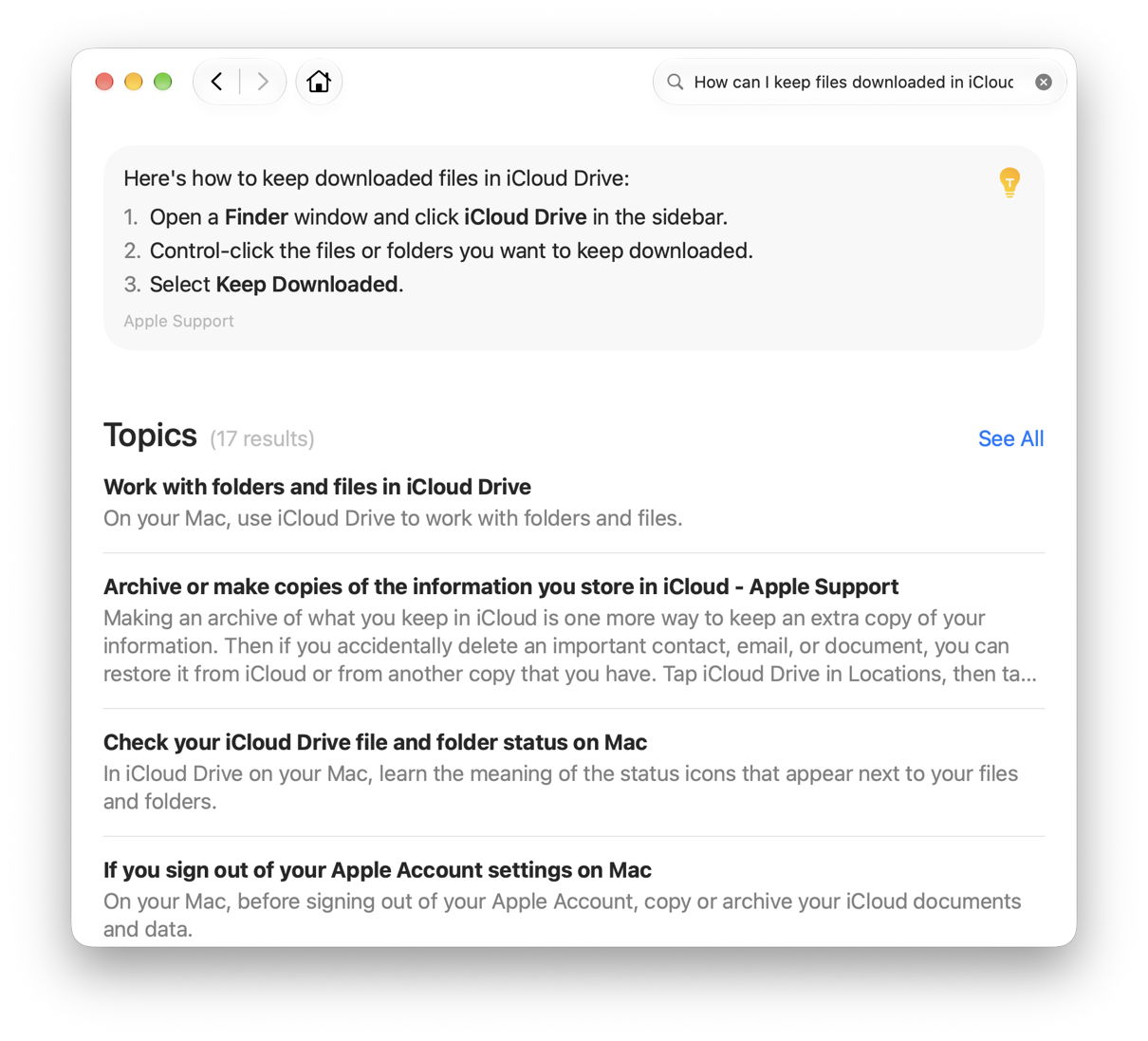
Tips gave a good concise summary, with a link to the clear and complete account in the Mac User Guide, although it made no reference to the different behaviour of pinned folders recorded in my latest article (which wasn’t published until later). Siri’s account didn’t cite official documentation, though, instead linking to MacRumors, and made it clear that pinning is only available in Sequoia and later. Google was also comprehensive, but didn’t explain that pinning only applied when Optimise Mac Storage is active.
2. How can I copy the login keychain from one Mac to another?
This was a catch question, as the correct answer changed as of macOS 26.4 just over six months ago, and has only recently become fully understood. However, it’s an important question that requires well-researched answers.
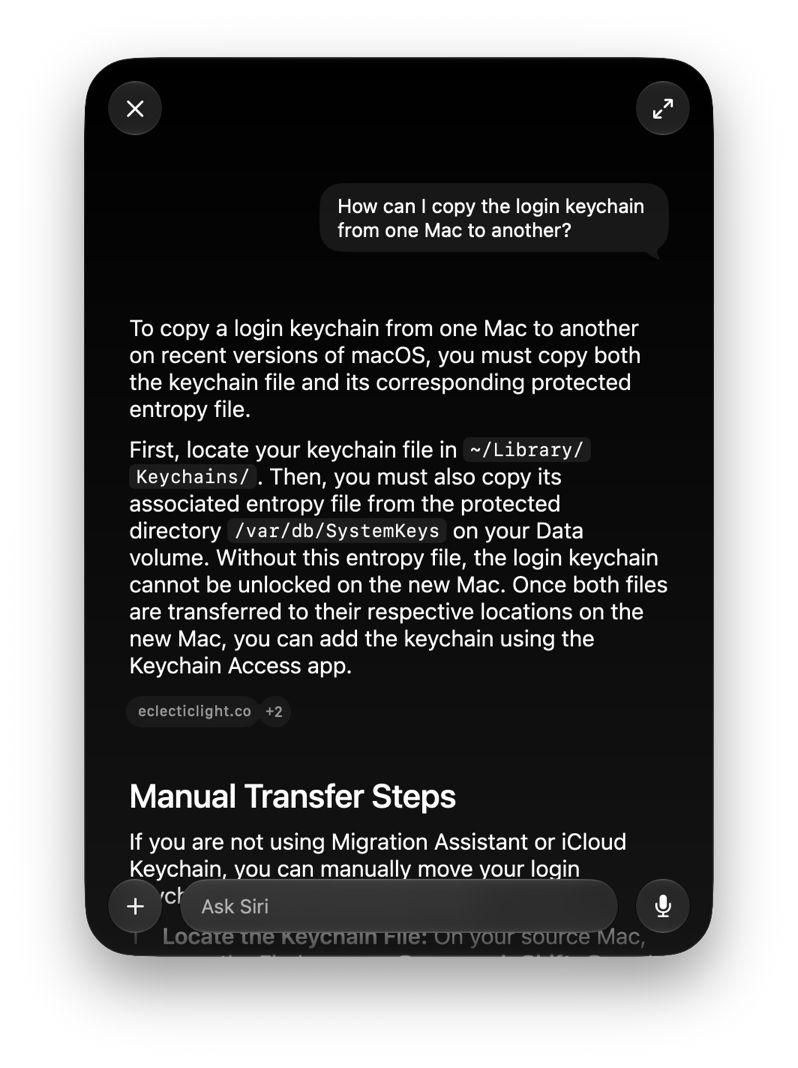
Only one source gave an accurate, up-to-date and well-referenced answer, Siri, which quoted from and linked to my article here, and Apple’s developer Tech Note 3173, which is impressive. Tips gave a good account for macOS before 26.4, with a link to the out of date Keychain Access User Guide. fm provided a detailed sequence of steps for transferring items using iCloud Keychain, which didn’t actually answer the question at all. Google disappointingly gave a standard pre-26.4 answer, although further down its links there was more up-to-date information for those who could be bothered to scroll down.
3. How can I roll back to a snapshot of my Data volume?
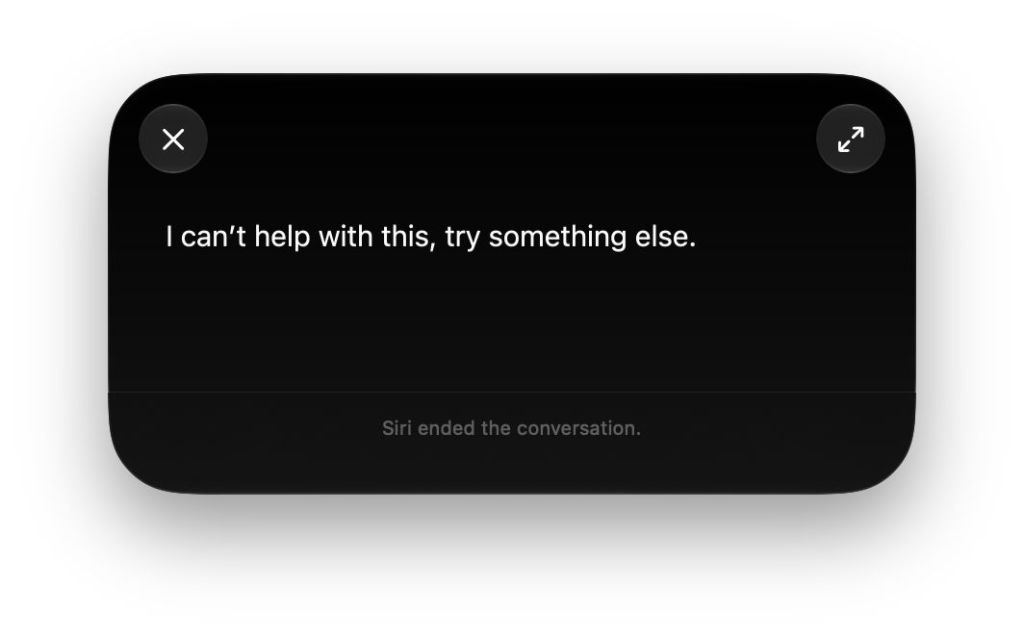
This question relies on understanding a relatively unusual terminology, in the use of the term roll back, which is specific to snapshots. This caught Tips out, which misunderstood and offered information about copying keychains. fm understood the question well, but gave a flawed answer involving a long-removed option in the tmutil command tool. Surprisingly, Siri bailed out completely and stated it couldn’t help with this. The only useful answer came from Google, which based its account on my article here.
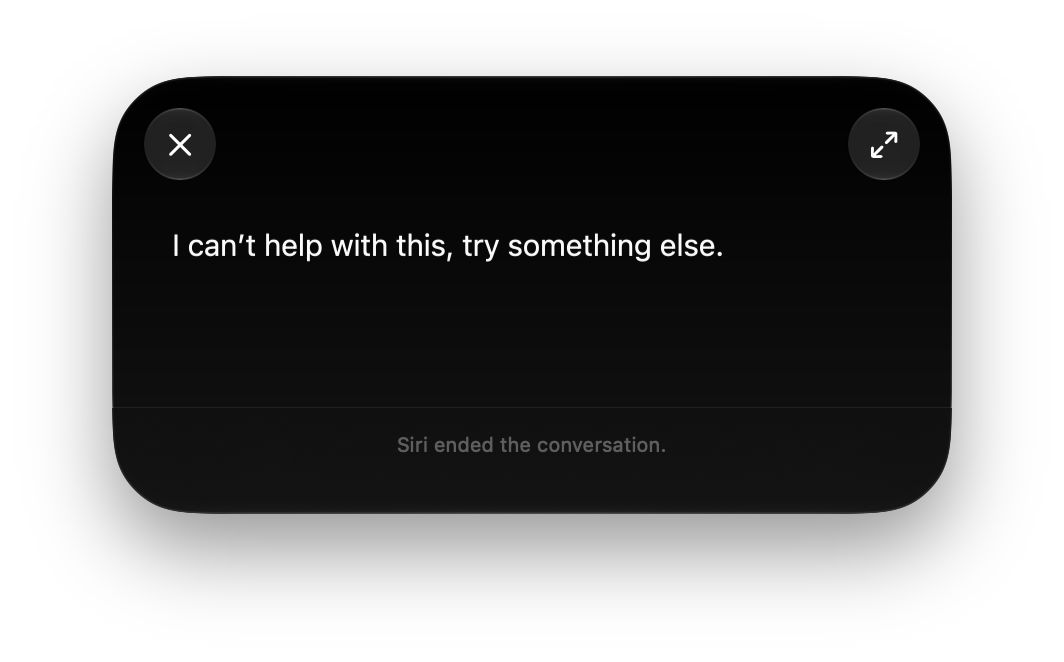
Interestingly, when asking Siri a second time, the following day, it knew all about the subject, and trotted out a comprehensive answer citing my article here.
Overall
- Tips only got the first fully correct, gave an out-of-date answer for the second, and flunked the third because it misunderstood.
fmdidn’t get any correct, and failed to provide any useful information.- Ask Siri got both the answers it attempted correct, and failed to offer anything for the third.
- Google got two fully correct, but gave an out of date answer for the second.
Of these, Tips is the only one that doesn’t use AI. That’s important to bear in mind, as AI intentionally produces slightly different responses to the same question each time it’s asked. Some AI does appear to learn, and second responses are usually more accurate and detailed than the first.
All the answers given, including those from Tips, were text-only, and didn’t provide any screenshots, which would have been particularly useful in the first and third of these. Although some of Apple’s user documentation does include screenshots, that’s becoming increasingly unusual now. Inevitably, Google provided several links to YouTube videos, although for these specific questions they aren’t as good as still images accompanied by clear written instructions.
If these are representative of the quality and depth of the information they will provide, Ask Siri is now a strong contender as first choice, particularly if you don’t want to deal with promoted content, adverts, and the lack of privacy of Google. However, Google’s search engine still offers the most extensive range of links for those who enjoy exercising their critical skill.
Finally, a reminder of the search facility offered by this blog: the magnifying glass at the top right of every page here takes you to WordPress search that’s confined to the articles published here, and nowhere else. I frequently use it myself.
Happy hunting!

