
As promised last week, Deversion is the first release of a free new app to delete unwanted versions saved to the macOS version database, to help you free up storage space.
It’s designed to be simple to use: drag and drop a file onto its main window, and it informs you how many versions have been saved, and their total nominal size. If you decide you want to delete all those old versions, simply click on its Delete All Versions button.
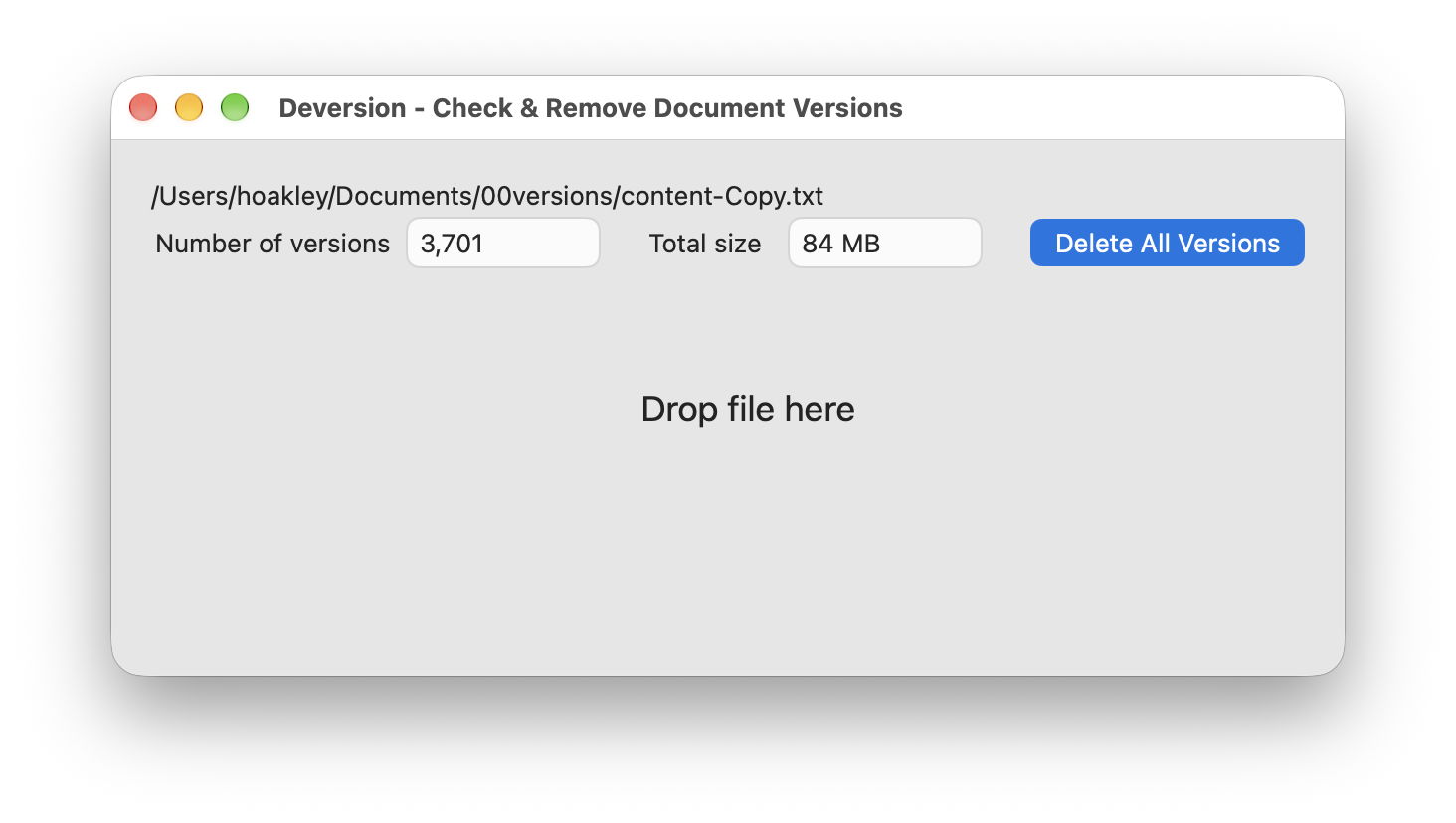
To help you drop files accurately, its window changes from pale grey to green when it’s ready to accept a file, and returns to grey once that file has been analysed.
Deversion has the advantage that it calls the macOS version manager directly to delete those versions, which should be more reliable than doing it manually in the Finder using a duplicate file. However, you must be certain that you want to delete all those old versions, as there’s no Undo (the version manager doesn’t support it). If you want to archive them first, use Versatility or Revisionist, while the latter app also allows you to select individual versions to be retained.
If you want to check that all old versions have been removed, simply drop the file back onto its window and you’ll see the number of versions is zero, and their total size is also zero bytes.
The total size given is calculated as the sum of all individual version sizes. Because the version manager is more efficient in the way it stores those, it’s unlikely you’ll recover the whole of that. In testing here with several different versioned files, the nominal total of 267 MB reported actually resulted in the recovery of 63.7 MB of free space. That could be increased by visiting Safe Mode once you have completed your housework, which should get the version database purged thoroughly.
Deversion currently only works with single-file documents. Those stored in document bundles such as RTFD are more complicated, and current documentation doesn’t give any clues as to how they might work.
To help you identify files with large numbers of versions, Deversion offers a Crawler that scans all files within a folder and reports how many have saved versions, and their numbers.
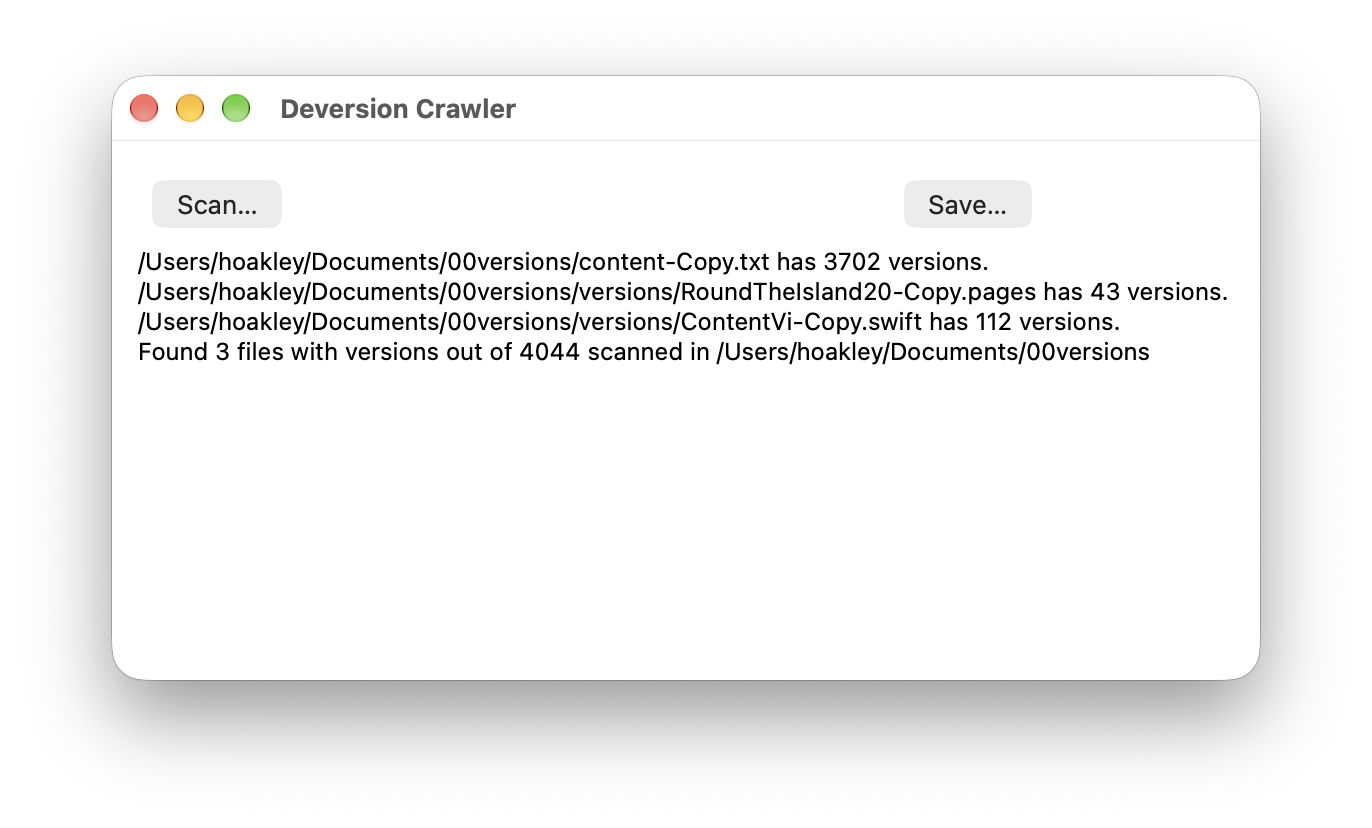
This doesn’t try to estimate their total nominal sizes, though, because of the time that could take.
Both features are designed to minimise requirements for giving the app access to protected locations, as that should be determined by your intent expressed through the drag-and-drop process, or the open folder dialog.
Deversion comes with complete documentation, and runs in macOS 14.6 and later, on both Intel and Apple silicon Macs. It’s available now from here: deversion1
from Downloads above, and from its Product Page.
I hope you find it useful.

