
As promised, here is a new version of my free Spotlight test utility SpotTest, which will now display full information from two Spotlight command tools listing metadata for files.
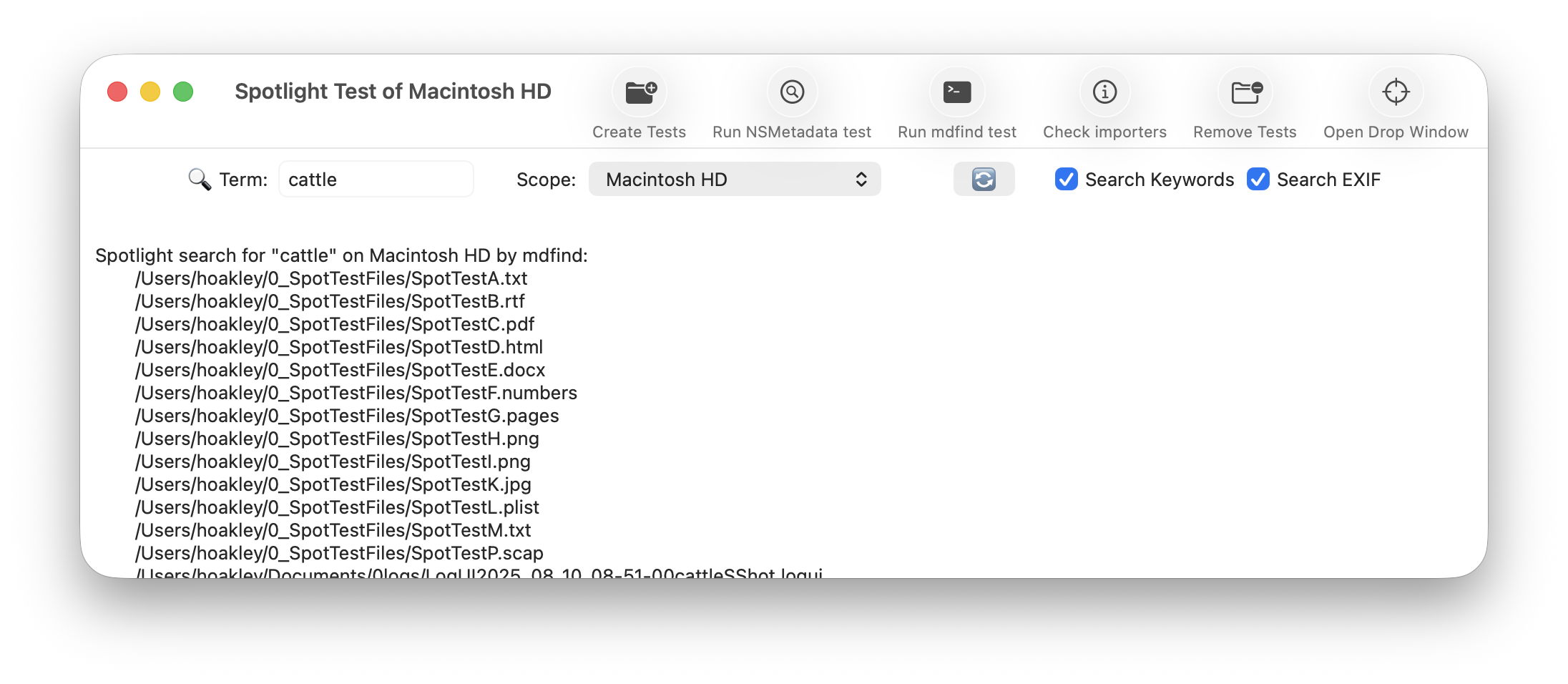
To open its new Drop Window, either click on the new tool at the right end of the toolbar in its main window, or use the command in its Window menu. Then drag and drop files you want to inspect onto that window.
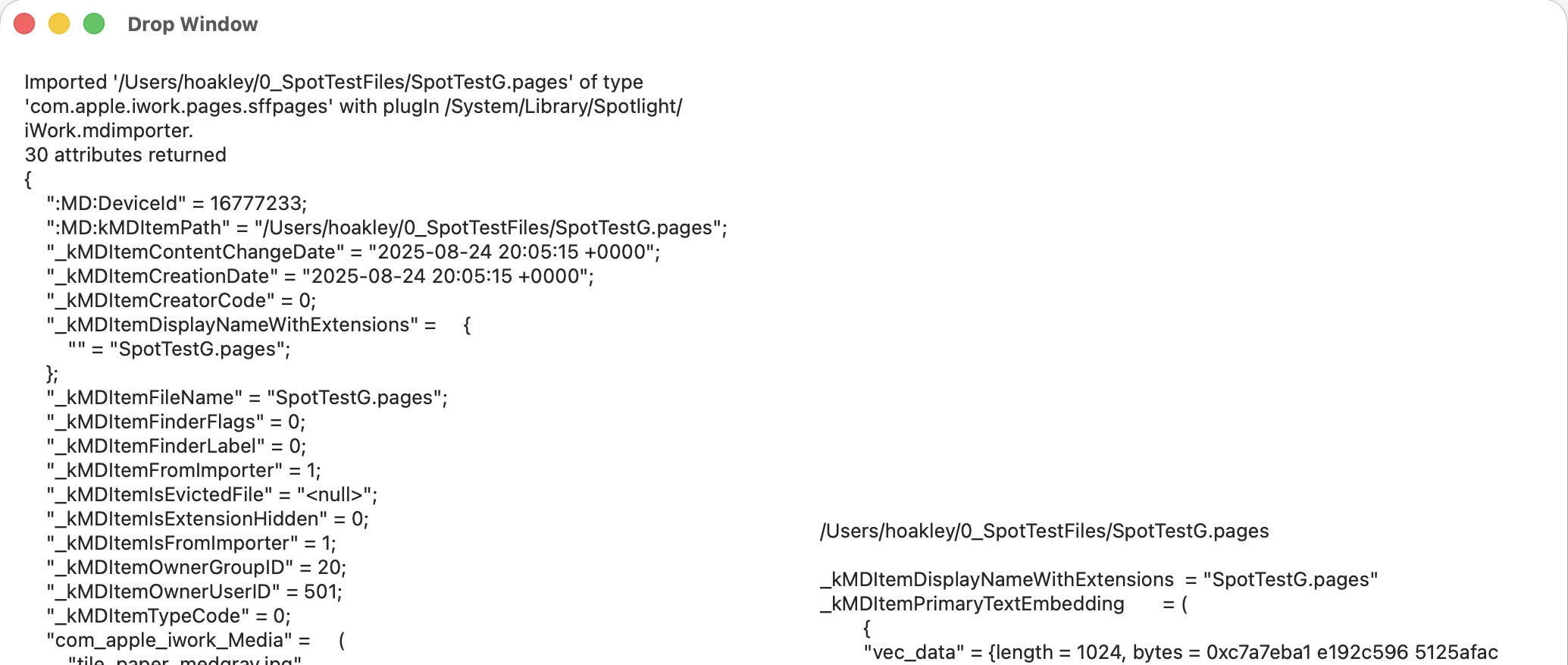
The app then runs two command tools on those files:
mdimport -t -d2 filename
to list all known metadata recognised by the mdimporter used, and
mdls filename
to list all indexed metadata.
That mdimport command currently crashes on most images, so won’t return any information about their metadata until Apple fixes the bug.
If you want to save the output in this Drop Window, select the file(s) output in its display, copy and paste it into a text editor or similar. You don’t have to keep the app main window open, and could use the Drop Window alone as a convenient way to inspect metadata.
As you’ll see, the length of mdimport output is significantly greater than that from mdls. Although there are matching entries, there’s no simple way to align those matches. Of all the possible layouts, I found this linked arrangement, where both outputs scroll alongside one another, the most effective for comparing their contents. It also allows you to view output for several files in the single window.
SpotTest version 1.2 is now available from here: spottest12
from Downloads above, and from its Product Page.
Tomorrow I’ll be using it to trace the paths of metadata from a source file to their display in the Finder.

