
Lightweight macOS virtual machines (VMs) running on Apple silicon claim to deliver near-native performance on CPU cores and GPUs. Earlier this week I looked at how host CPU cores are allocated to provide full performance for VMs. This article looks at access to the host GPU and its performance available to VMs.
In his presentation on Create macOS or Linux virtual machines, in WWDC 2022, Benjamin Poulain made a bold claim: “A first cool capability is GPU acceleration. We have built a graphic device that exposes the GPU capabilities to the virtual Mac. This means you can run Metal in the virtual machine, and get great graphics performance in macOS.” Just how ‘great’ is that graphics performance?
Problems in assessment
Apps intended to benchmark or assess the performance of GPUs are almost impossible to run in lightweight macOS VMs, as most are only available from the App Store, so can’t be run in a VM. Those that are available independently, such as Blender, appear to check the GPU available and aren’t impressed when they learn that it’s just a virtual GPU.
After extensive searching and testing, the only GPU performance tests I was able to run reliably in a VM were Apple demo projects for Metal development. Of the five that I built from Apple’s source code, two that run reliably on the host Mac failed to run in the VM, leaving just three test apps drawn from Apple’s sample code repository:
- Rendering a Scene with Deferred Lighting in Swift,
- Applying temporal antialiasing and upscaling using MetalFX,
- Selecting Device Objects for Compute Processing.
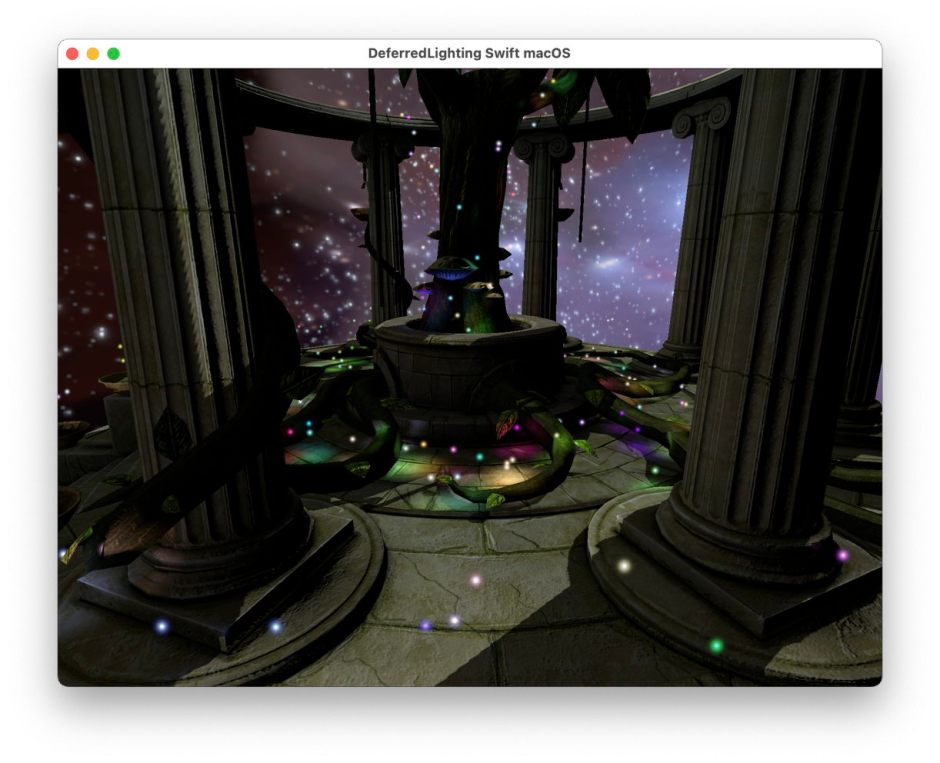
Test 1 renders a rotating scene with complex lighting effects.
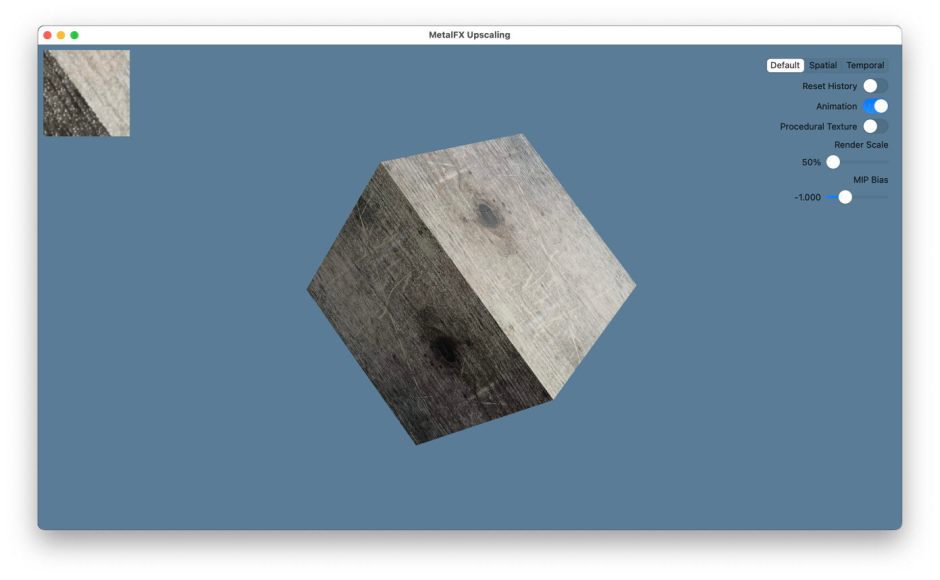
Test 2 renders a rotating cube with complex surface texture.
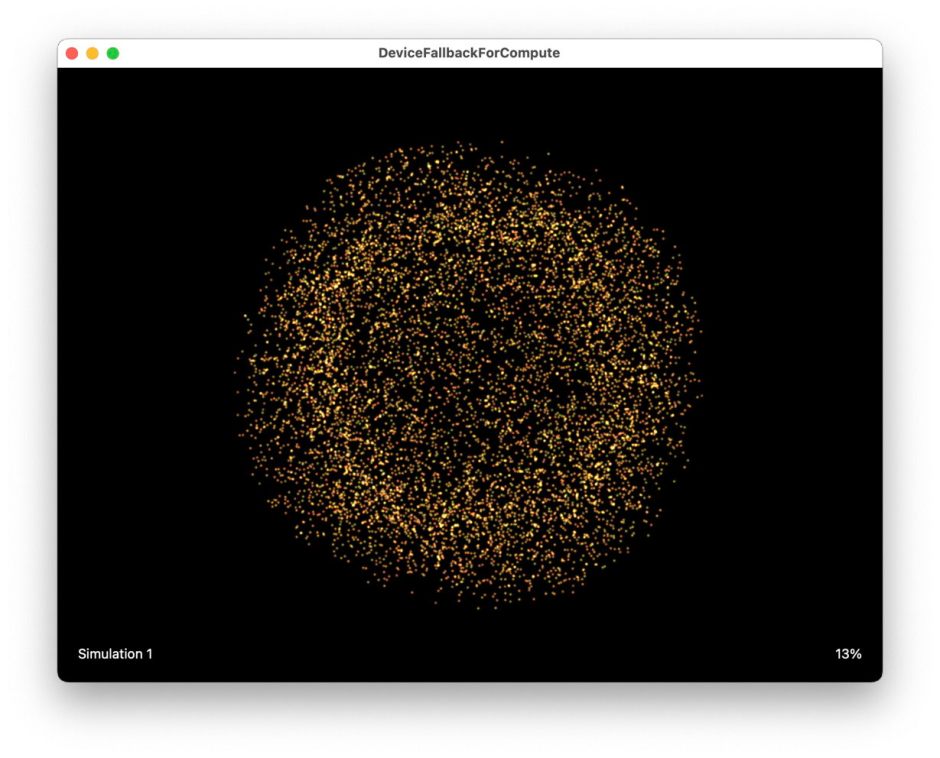
Test 3 runs and displays a particle simulation, using the GPU for Compute tasks.
Further information about each demo is provided by Apple with its full source code.
Methods
Testing was conducted on a host Mac Studio M1 Max with a GPU with 24 cores, running the full release version of macOS Sonoma 14.0, with a single Mac Studio Display. The VM, also built using Sonoma 14.0, was run on 4 virtual CPU cores and 16 GB memory in Sonoma’s auto-scaling display, set at a resolution of 1600 x 1000 and 254 ppi. The Virtualisation framework provides no additional control over GPU allocation to VM tasks.
Measurement of GPU performance was performed using powermetrics running on the host, collecting gpu_power for 50 consecutive sample periods of 0.1 second each. Collections were started with the Metal test first running in a default-sized window, which was then expanded to full screen mode within the confines of the virtual display. Results are compared against the VM with a static Finder view, and against the host running the same test app in full screen mode.
Results
With a static Finder arrangement on the virtual display, the host GPU was largely idle, with an active residency of 0-6% at an active frequency of 0-641 MHz, drawing power between 0-144 mW, including that for the host, of course.
During the first test, of deferred lighting, GPU active frequency remained low, at around 640 MHz, but active residency was typically 80-84%, with power at 1.1-1.5 W. When this test was run on the host alone, results were comparable, but with lower active residency of about 45%.
The second test was the least demanding. When run on the VM, active residency was between 60-75% at a frequency of about 643 MHz, and power of 0.4-0.8 W. Run on the host alone, results were similar, but with lower active residency of about 35%.
The third test proved far more demanding, with GPU active frequency of 1296 MHz (the maximum reported by powermetrics), 100% active residency, and power between 22-29 W. This was run with the requested state entirely at its maximum of P6. When run on the host alone, results were essentially the same.
Is graphics performance great?
These results demonstrate that macOS VMs running on Apple silicon are given full access to the host GPU, where they can take good advantage of its performance. There are, though, differences between the two graphics tests and that running Compute tasks. When compared with running the same test on the host alone, despite its larger display area, active residency of graphics tests was nearly twice as high when run in the VM. Reasons for that apparent overhead aren’t clear, and merit further investigation, perhaps using the Metal tools in Xcode.
When used for Compute tasks, though, the VM appeared able to obtain the same maximum throughput as when running the same tasks on the host alone, and both achieved maximum frequency, active residency and power use.
The biggest problem was finding software that could be run on the VM, because of its inability to run any App Store products, and their apparent refusal to run on an unrecognised GPU. The fact that two of Apple’s Metal demo projects wouldn’t run also merits further investigation, as it suggests that the VM’s access to Metal may be limited in some respects, although none are documented.
In other situations, VMs can be popular platforms for games. Although there don’t appear to be performance limitations that would make macOS VMs a poor choice, without access to App Store apps they have little promise for that purpose.
Summary
- macOS lightweight VMs on Apple silicon can run Metal, and get great graphics performance as a result.
- Metal graphics run in a VM may incur higher active residency compared to the host, although that doesn’t appear to limit performance.
- Compute tasks are able to run the GPU at the same maximum.
- No GPU benchmarking software could run in a VM, because of its inability to run App Store apps, and failure to recognise the GPU in the VM.
- There may also be some compatibility issues that prevented other Metal tests from running.
 The Eclectic Light Company