
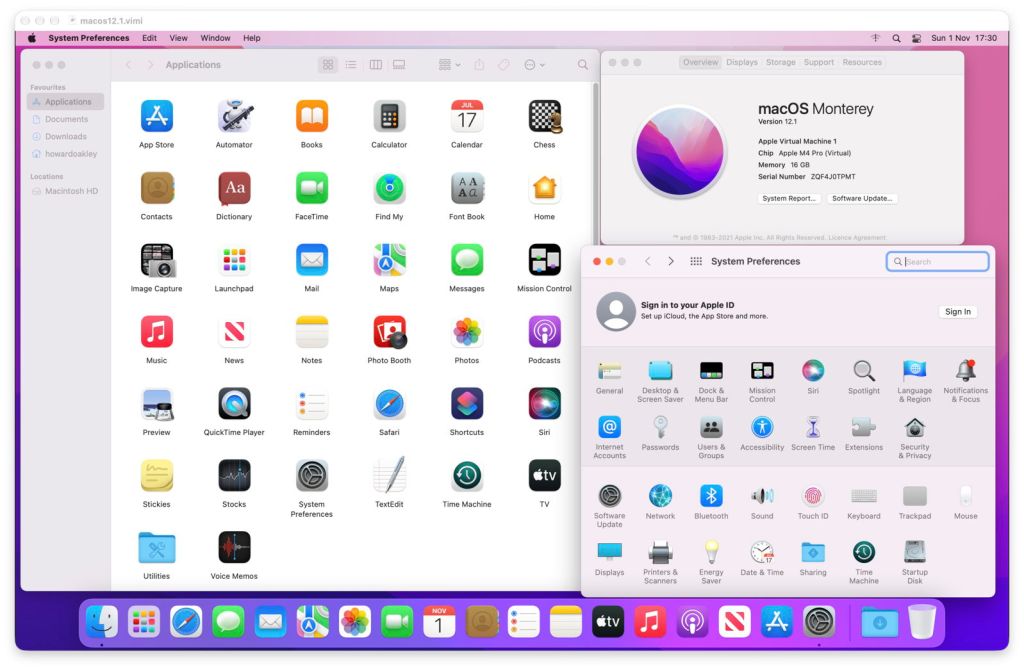
It’s just over four years since lightweight virtualisation of macOS came to Apple silicon Macs, and time to take stock and consider the way ahead, particularly for my own apps, Viable, ViableS and Vimy.
The first experimental release of Viable was on 14 July 2022, when it required macOS Monterey 12.4 or later running on the host, and supported Monterey and Ventura guests. Sadly, virtualisation wasn’t ready when Big Sur was current, and I don’t know any way of virtualising that on Apple silicon Macs.

Just over a year later, in August 2023, I added Vimy, an even lighter-weight app that made Viable VMs double-clickable. Why should you have to open a full virtualisation environment, when all you needed to do was open an existing VM from the Finder and it would run automatically? The following month Viable and Vimy gained access to Bridged networking, when Apple approved the entitlement to enable its support.

Since then virtualisation on Apple silicon Macs has grown beyond all recognition. Among the better apps I’m aware of at present are:
- Parallels Desktop, commercial, supporting Windows, Linux and macOS VMs, whose engineers were initially involved in Apple’s virtualisation programme;
- UTM, free and open source, supporting Windows, Linux and macOS, and a wide range of emulations;
- VirtualBuddy, free and open source, originally developed by Guilherme Rambo, and first released in June 2022;
- MacVisor, commercial, supporting Windows, Linux and macOS, one of the new wave and released only last month.
With such sophisticated and distinguished competition, you might wonder whether my little apps have any role left. I think they do, and for me the key to them is Vimy.
Lightweight virtualisation of macOS has an important future, not just for folk who are already likely to be using those virtualisation environments with all their bells and whistles, but for regular users. They will be of most obvious value in a year’s time, when macOS 28 starts removing support for Rosetta 2, and we will no longer be able to run most Intel-only apps in that new version of macOS. As VMs will still enjoy full support for Intel code, they offer the best way ahead.
When you build a VM using Viable, it installs a property list inside the VM bundle, and turns that bundle into a Vimy document. The property list contains the settings for running that VM, so when you double-click that Vimy document, Vimy runs it according to those, in a single window. Vimy is intentionally tiny, taking around 15-50 MB of memory itself, in addition to the memory you have allocated to your VM. It has no interface other than its menu and the window containing the running VM. It’s the lightest-weight virtualisation available in the Finder.
As part of my programme to update and improve my macOS virtualisation apps, I now have a first full version of Vimy to offer those who have built VMs using Viable, and am working on an update to Viable itself. Vimy 1.0 requires macOS 14.6 or later, and has been tested extensively in Golden Gate. As you can’t virtualise macOS inside a macOS VM, I’m afraid I have no practical way of testing Vimy in older versions of macOS.
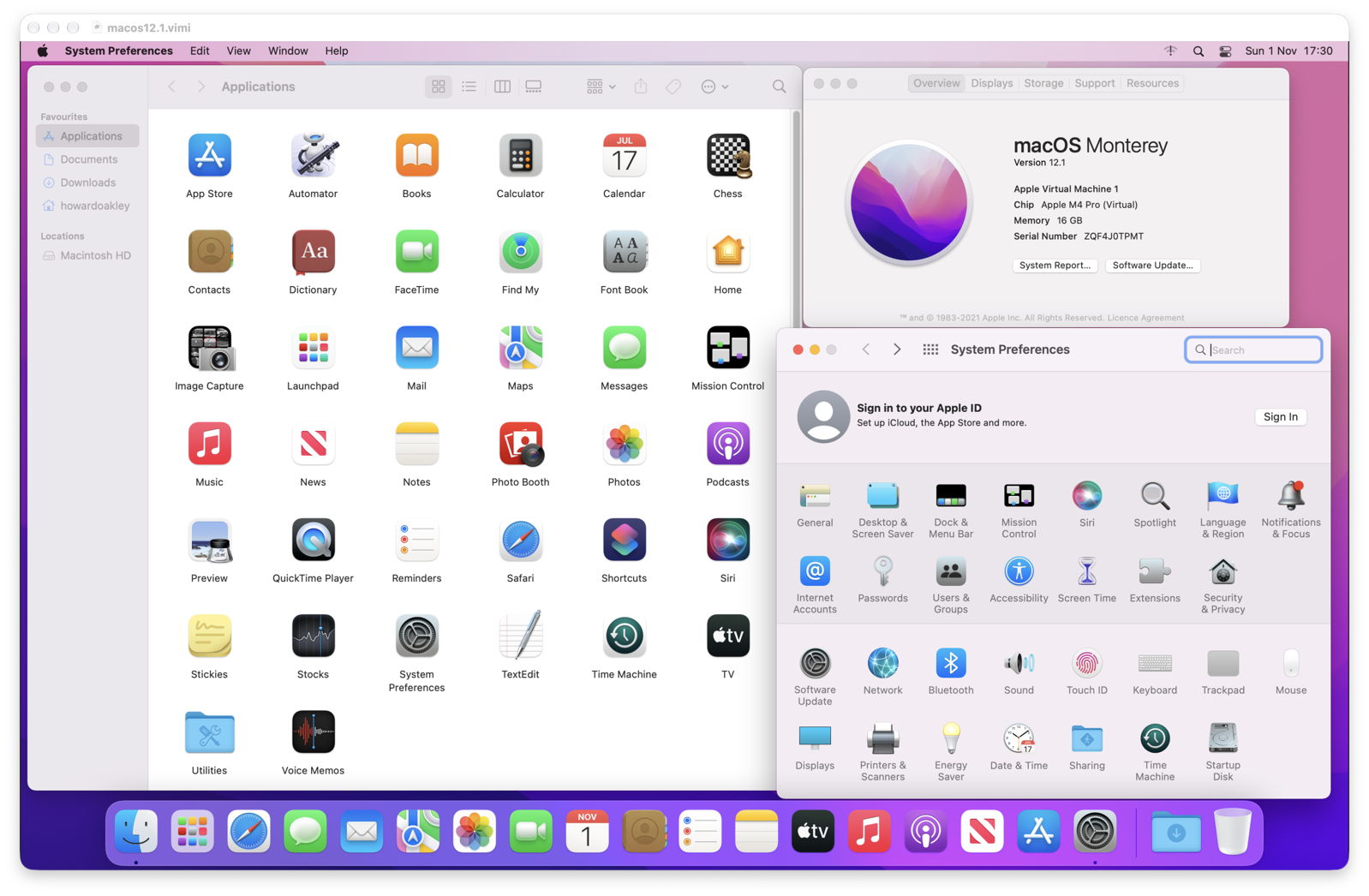
Vimy supports VMs running Monterey 12.1 (shown above, so you can get sentimental about it) and later, built using Viable 1.0.12 to the specification detailed in the Vimy distribution.
Among the bugs this fixes are support for Location Services and audio input, both of which should now work fully. It continues to support Bridged and NAT networking, but still doesn’t support passthrough access to host USB storage, which was introduced in macOS 27. That’s an issue I’m still working on. If you’ve got a Mac Studio with huge CPU and memory resources, you can throw as many CPU cores as you like at your VM, and give it up to 256 GB of memory.
Vimy 1.0 is now available from here: vimy1
from Downloads above, and from its Product Page.
Please let me know where you would like to see Viable, ViableS and Vimy going in the future, now that I’m finally working on them again.

