
Since Apple made notarisation a requirement for those developing for macOS, it has made it progressively harder to run code that hasn’t been notarised. Prior to macOS Sequoia, one method used by those who often ran code that hadn’t been notarised was to disable Gatekeeper checks including on-demand checks made by XProtect for evidence of malware. That was performed using the command
spctl --master-disable
to modify the global state of the assessment system. However, according to man spctl that is no longer supported. This article looks at what you can do now, following up from my previous testing.
Controls

There are currently three controls available:
- Enter
sudo spctl --master-disable, then enable the Anywhere option added to the Allow applications from menu in Privacy & Security settings. - Install a profile setting
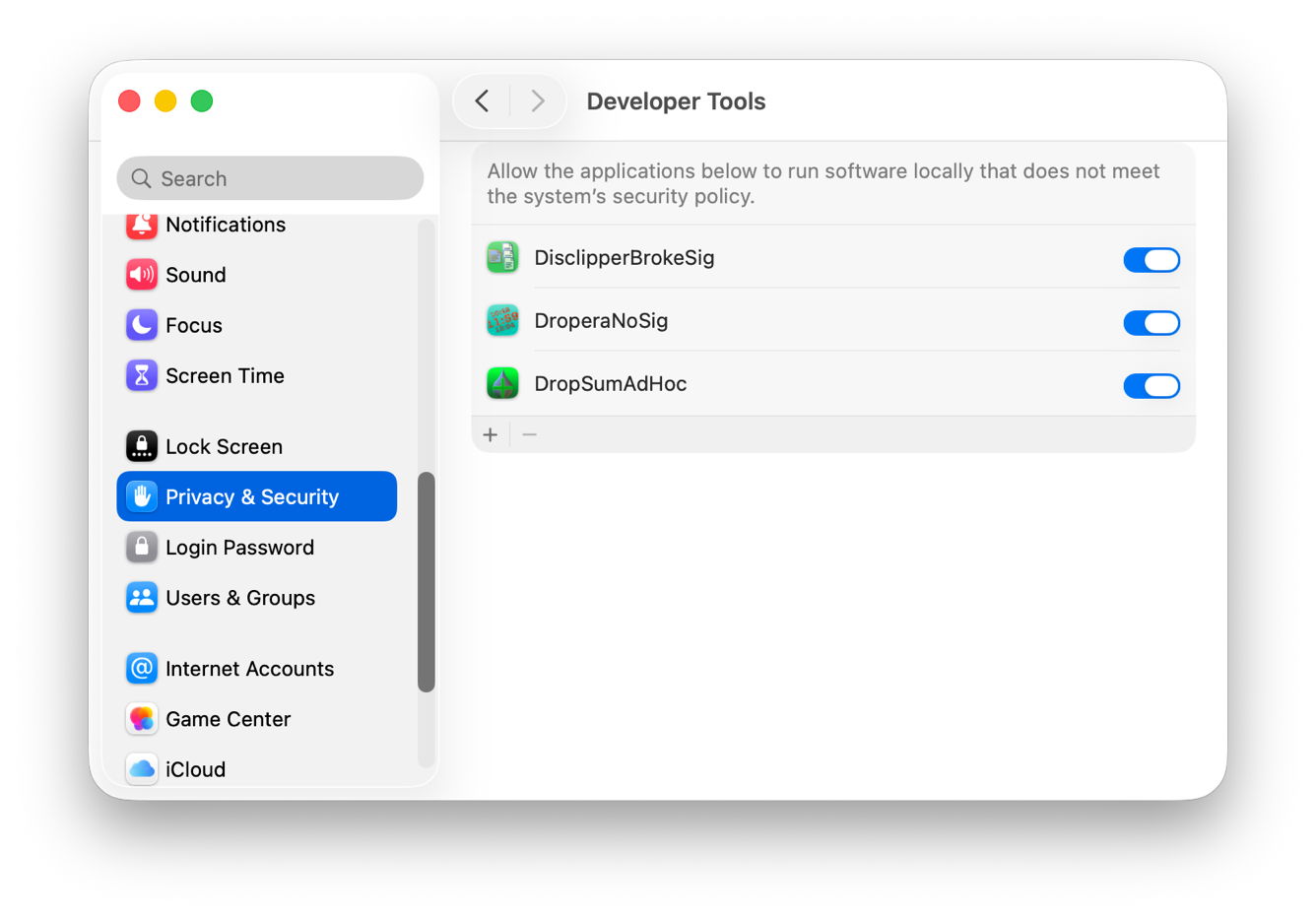
EnableAssessmentto false. - Add the app(s) to the Developer Tools list in Privacy & Security settings, which allows apps to run software locally that doesn’t meet system security policy.
As the first two appear to behave identically, only the first and last are discussed here.
Tests
To ensure assessments were independent and not influenced by previous exposure to the test apps, an otherwise identical and fresh Tahoe 26.6.1 virtual machine was used for each of three sets of tests, the first without any change made to Gatekeeper or XProtect, the second after setting permitted apps to Anywhere, and the third after adding each app to the Developer Tools list.
To evaluate their effects I doctored three different apps of mine so that
- one had a changed Info.plist breaking its signature,
- another had its signature completely stripped using
codesign, leaving it unsigned, - the third had its original signature stripped, and it was then resigned using an ad hoc signature.
None of the three apps had previously been run in that VM in any form, so were completely novel to its security and protection systems. Each app was first tested when in quarantine, then without any quarantine xattr attached.
Results
Broken signature
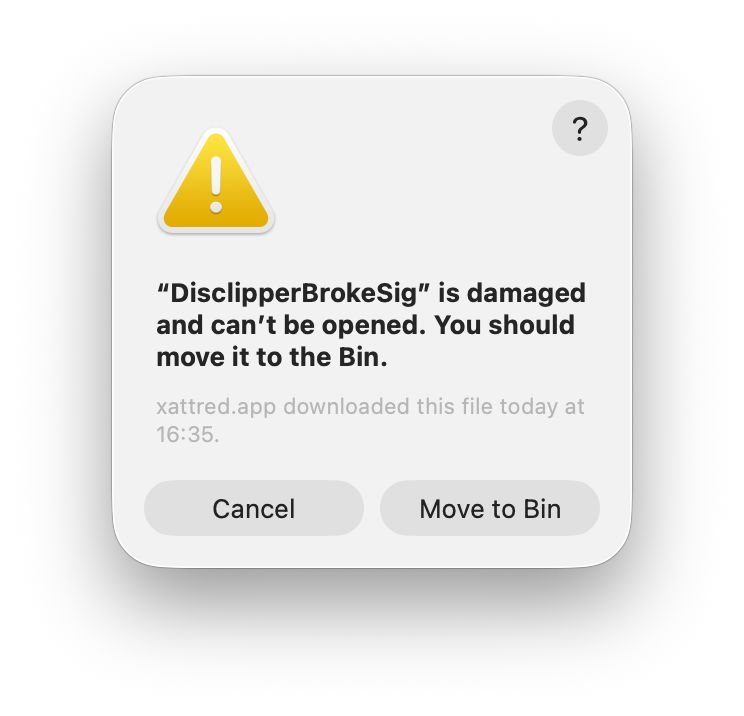
This app was blocked from being run in every condition. When launch was attempted with the app in quarantine, the user was invited to have the app moved to the Trash, otherwise macOS simply reported that the app couldn’t be opened.
Unsigned
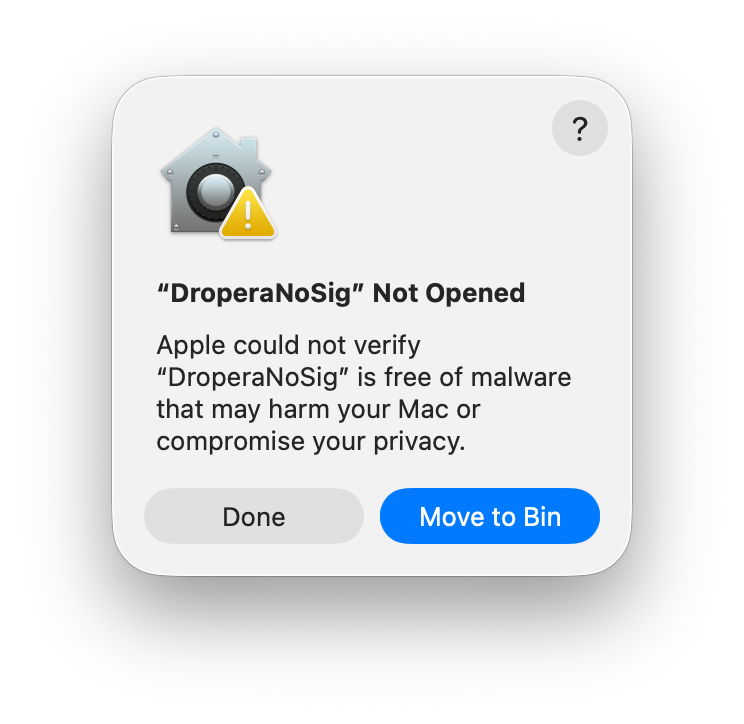
As completely unsigned code has never been allowed in Apple silicon Macs, the unsigned app behaved the same as that with a broken signature, except in one condition. When it was in quarantine and Anywhere had been allowed in Privacy & Security, an incorrect dialog was shown asking the user whether they were sure they wanted to open the app. However, that still blocked the app and reported that it couldn’t be opened after all.
Ad hoc signed
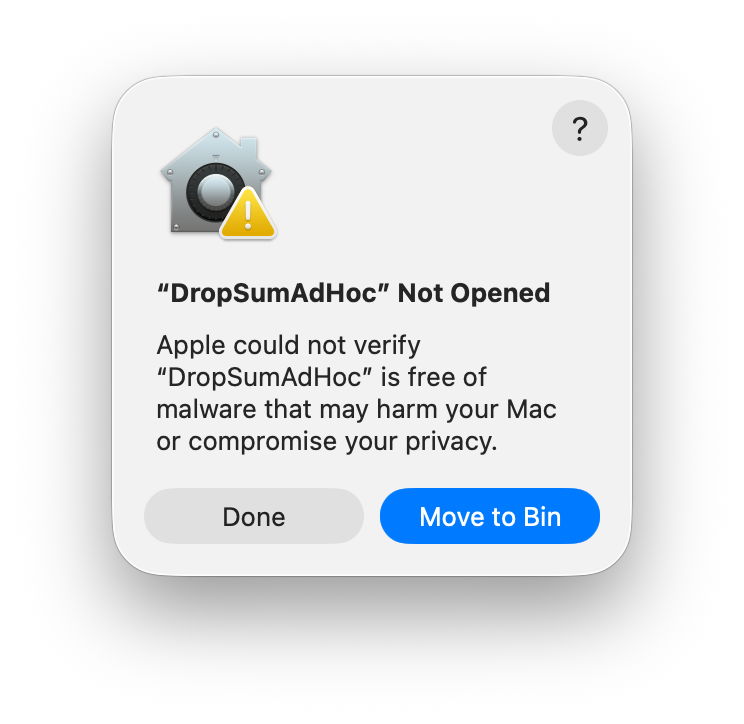
As expected, without making any changes to controls, this was directed to the Trash when I tried to launch it from quarantine. When not quarantined, it launched normally, without any warning dialog.
With Anywhere allowed and in quarantine, a warning dialog was shown asking the user whether they were sure they wanted to open it. Confirming that resumed a normal launch. When not quarantined, it opened without any warning being shown.
Adding the app as a Developer Tool had a different result: when in quarantine the dialog proposed moving the app to the Trash, and offered no option to run it. However, without a quarantine xattr it opened without any warning being shown.
Recommendations
- All executable code must now be signed, even if only with an ad hoc signature, and the signature must not be broken. If necessary, a broken signature can be stripped using
codesignand signed again with an ad hoc signature. - Code that is quarantined can be run if Anywhere is enabled in Privacy & Security settings, but not by adding it as a Developer Tool.
- Before considering using any of these, you must be absolutely certain that the code to be run is not malicious, particularly if it originates from outside that Mac.
Do these disable Gatekeeper or XProtect?
I noted previously the conflict in results returned by spctl and the xprotect command with respect to the effects of allowing code from Anywhere to be run. In these tests, the warning dialog shown when trying to launch the ad hoc signed app when in quarantine suggested that at least Gatekeeper checks were still made. I therefore captured a full log excerpt, summarised as follows, with elapsed times given in seconds:
Initial checks
0.848542 double-click to launch app

0.861860 LaunchServices copies CDHashes

0.861969 syspolicyd checks signature

0.896406 LaunchServices starts launch through Runningboard

0.903412 Apple Mobile File Integrity (AMFI) reports app is ad hoc signed

0.909552 AMFI reports basic requirement validation failed as it is "adhoc signed or signed by an unknown certificate chain"
Gatekeeper scan
0.910250 Gatekeeper process assessment starts

0.911066 Gatekeeper performScan, and skips up front XProtect scan

0.914240 LaunchServices notes quarantine, and sets risk category to Unsafe Executable

0.915591 securityd reports error checking with notarisation daemon

0.916588 CloudKit ticket lookup starts

1.123083 securityd reports error checking with notarisation daemon
XProtect scan
1.123368 XProtect scan starts

1.142693 XProtect announces it's performing a direct malware and dylib scan

1.146410 XProtect reports it's using the new rules located in /var/protected/xprotect/XProtect.bundle/Contents/Resources/XProtect.yara

1.259759 XProtect scan reported as complete

1.259794 Gatekeeper scan complete

1.260262 Gatekeeper scan was allowed, showing the user dialog
User consent
2.654918 User clicks to approve app launch

2.668037 code allowed due to user approval
Final preparations
2.707984 app quarantine flag updated to reflect the app has cleared quarantine

2.708697 TCC request for kTCCServiceDeveloperTool service

2.716035 TCC denies request as kTCCServiceDeveloperTool doesn't allow prompting the user

2.716255 provenance data created for app, and app put into provenance tracking

2.717015 Gatekeeper evaluation finally complete

2.720322 launchd creates app process

2.724139 app loads its preferences.
It’s clear from those that both Gatekeeper and XProtect checks were performed normally, and that neither had actually been disabled. This confirms my previous conclusions that allowing apps from Anywhere in Privacy & Security settings doesn’t disable Gatekeeper or on-demand XProtect, but merely enables you to run signed apps that haven’t been notarised. Good luck to you if you really do need to disable Gatekeeper or XProtect.
I’m very grateful to Josh for pointing out this potential use of the Developer Tools setting.

