
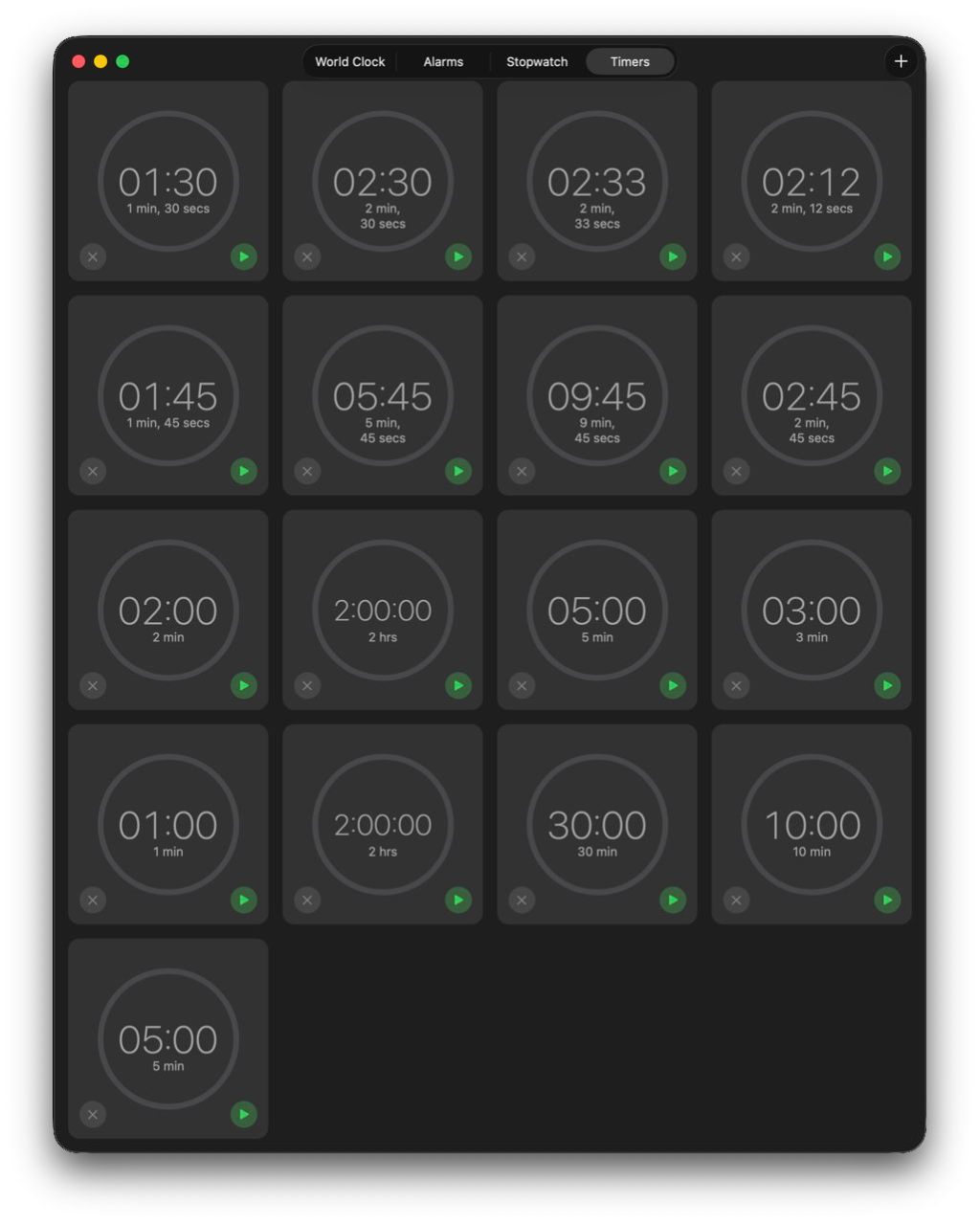
In November last year, I reported that there was a bug in the bundled Clock app that results in its Timers feature failing. Thanks to the persistent work of Michele, we were able to establish its most likely cause was excessive accumulation of old Timer data in its preferences file. This article reports what has happened with this bug over the five updates to macOS Tahoe since: in a word, nothing. The bug is still present and operates the same as it did in macOS 26.1.
Michele used to use the Timers feature in the bundled Clock app frequently, but found it had become increasingly temperamental, and failed to display the contents of that view. Working extensively with Apple Support brought no resolution, except to use Timers from a different user account, which was of no help. One suggestion that did work was to delete its preferences file, com.apple.mobiletimerd.plist in ~/Library/Preferences, but over time the same problem returned and Timers stopped working again.
Using log extracts from Michele’s Mac, we discovered the cause of failure in Timers was termination of the mobiletimerd service when it was trying to start up, because it immediately ran out of memory. The reason for that was the size of com.apple.mobiletimerd.plist, which instead of being a few KB had reached nearly 7 MB, because it was full of a great many old MTTimer settings from previous timers.
Oddly, those many MTTimers weren’t reflected in those offered in the Timers window, nor those in the Start Recent Timer item in its File menu. Those both remained modest in size, although the two lists didn’t match, in that those offered in the menu were a small selection of those shown in the Timers window.
Back in macOS 26.1:
- Each time a new timer was created, its settings were written as a new MTTimer to com.apple.mobiletimerd.plist.
- As that property list never removed old or duplicate MTTimers, it grew steadily in size.
- When the property list was several MB, it caused the
mobiletimerdservice to run out of memory, and to be terminated. - Without the
mobiletimerdservice running, the Timers feature was unable to function.
I have now repeated testing of Timers in macOS 26.4.1, and confirmed that this behaviour hasn’t changed in the slightest.
Before using Timers to test this, the com.apple.mobiletimerd.plist settings contained 15 MTTimers all dating from my previous testing last November. After a couple of hours running a succession of timers, there were 43 MTTimers in that file, still dating back to November. Among those were 7 for a duration of 60 seconds and there were many other duplicates.

However, of those saved MTTimers only 17 were offered for re-use in the Timers window.
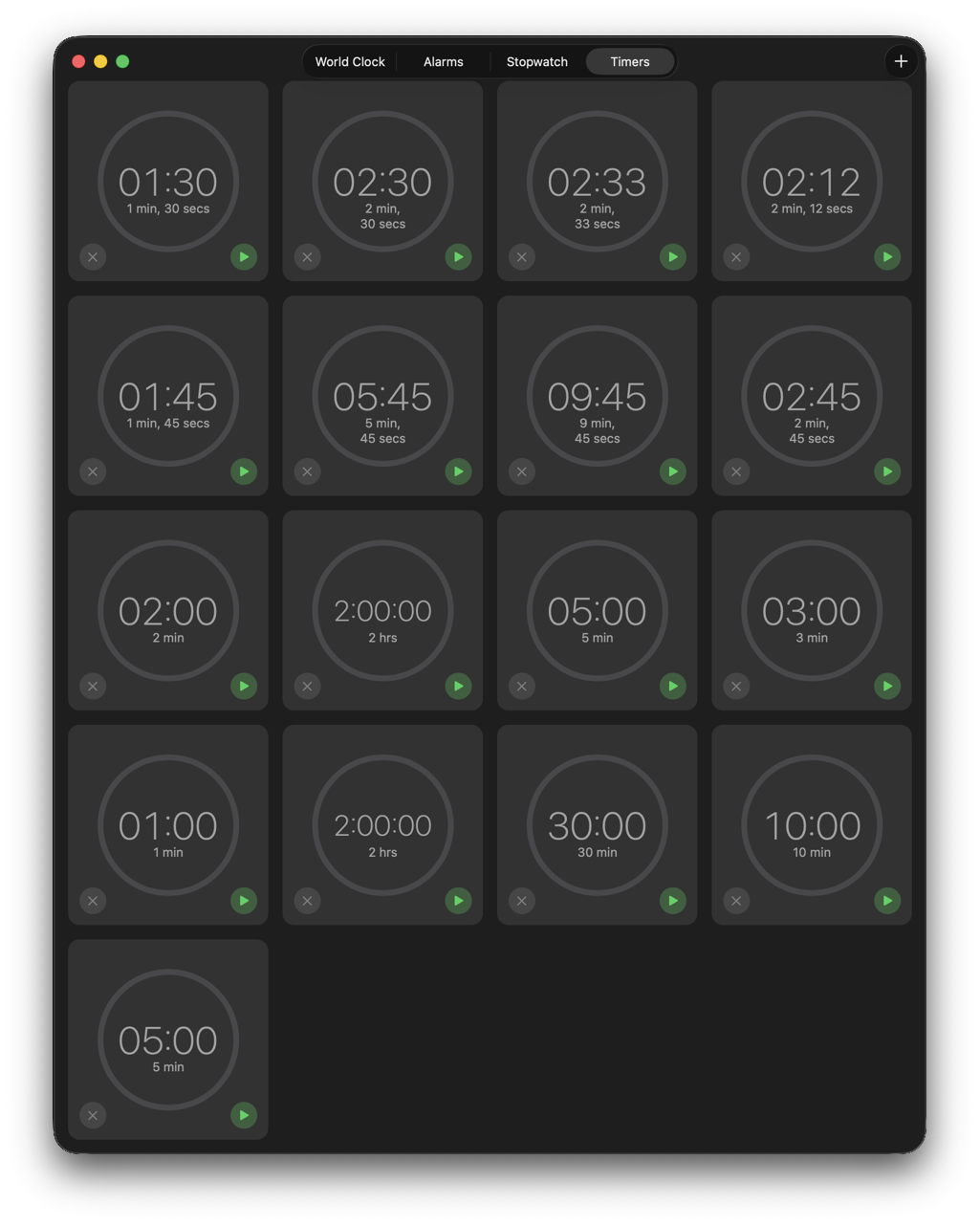
Just one of those durations was duplicated, for 5 minutes, indicating that the Clock app was making a nearly successful attempt to eliminate duplicates in this list.
The only workaround for those who use timers often is to periodically quit the Clock app and remove ~/Library/Preferences/com.apple.mobiletimerd.plist and so restore normal timer function. Although some of the solutions recommended to Michele would unintentionally have achieved that, they would only have been temporary, as the number of MTTimers would immediately have started to rise again.
It will be interesting to see whether this bug persists into the first beta-release of macOS 27 when it’s released to developers in early June. I have a suspicion that it will remain.
 The Eclectic Light Company