
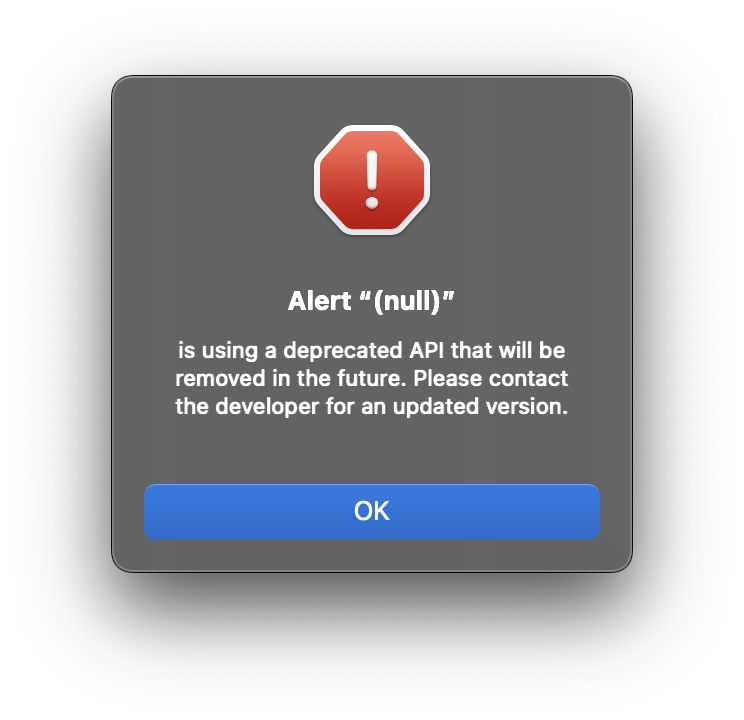
From the early days of Classic Mac OS, Apple has gone to great pains to explain and document its human interface, from menus to alerts, originally termed alert boxes rather than windows. These were a special type of what it termed modal dialog box, and were, no doubt to the distress of Larry Tesler, strictly modal in behaviour. In single-tasking Mac OS, they didn’t allow the user any escape to another app, and the only way to close them and move on was to click a button in the alert box.
They were only allowed to contain an icon, text and buttons; no other controls were permitted. Even the icons were tightly prescribed:
- a talking face for a note alert, to convey information, at first level;
- a caution icon ⚠️ for a caution alert, to warn of potential danger, at second level;
- a stop icon with a ✋🏼 in a 🛑 for a stop alert, to inform that an action can’t be completed, at third level.

This is a stop alert from the Mac OS 9.1 installer, showing its characteristic icon and informative text.
When an alert box was presented, the app was expected to use the system alert sound, SYSBEEP. If sound was turned off, this automatically flashed the menu bar instead.
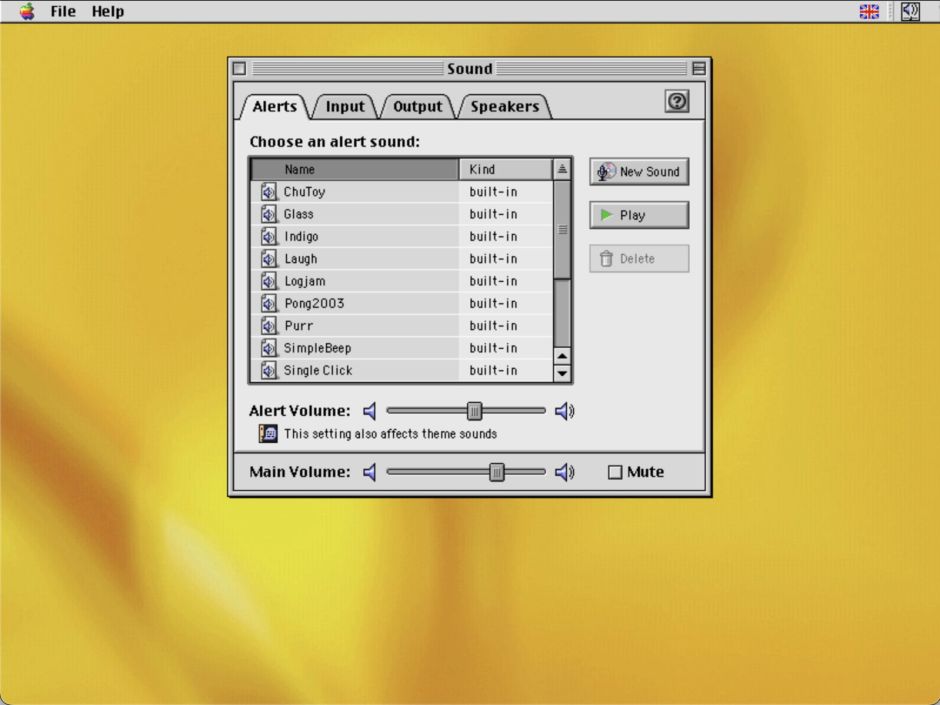
Although I intend covering the history of system alert sounds separately, this shows some of those available in Mac OS 9 in 2001.
With Mac OS X, Apple’s Human Interface Guidelines (HIG) became more liberal and less tightly prescriptive. Now simply termed alerts, in single-window apps they were displayed as sheets integral to the window, rather than in a separate window. Three-level alerts from Classic Mac OS were not to be used, as most alerts were expected to use their app icon. In “rare cases” a caution icon ⚠️ was allowed, with the app icon badged onto it. This was only deemed appropriate if “a possible side effect of that task would be the inadvertent destruction of data.”
Apple’s HIG have also gone out of their way to make clear how to write the message to be displayed in alerts, first by describing the problem or situation in user terms, then by providing suggestions as to what can be done to get out of the situation causing the alert.
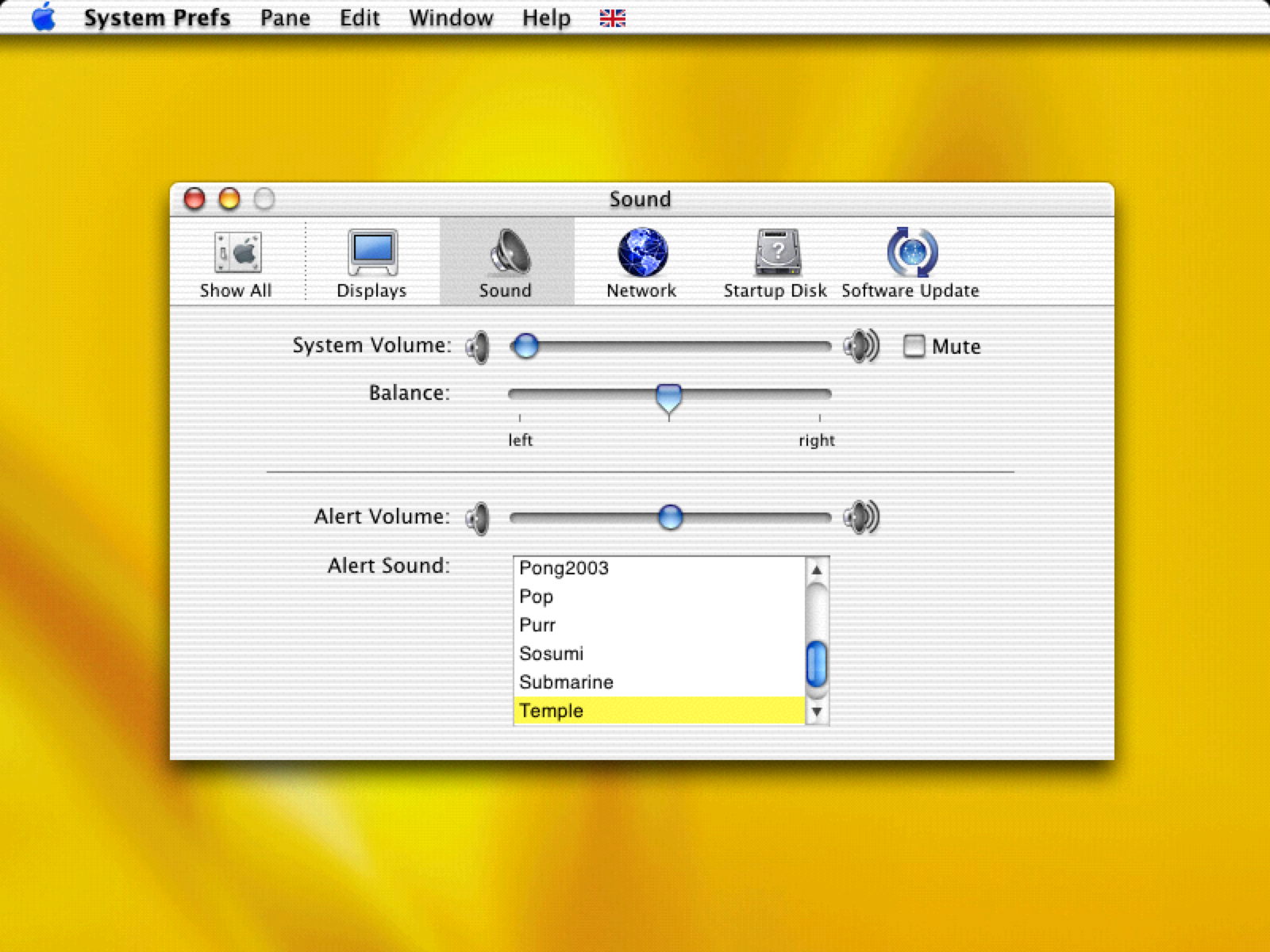
System alert sounds changed, as shown here in Mac OS X in 2001.
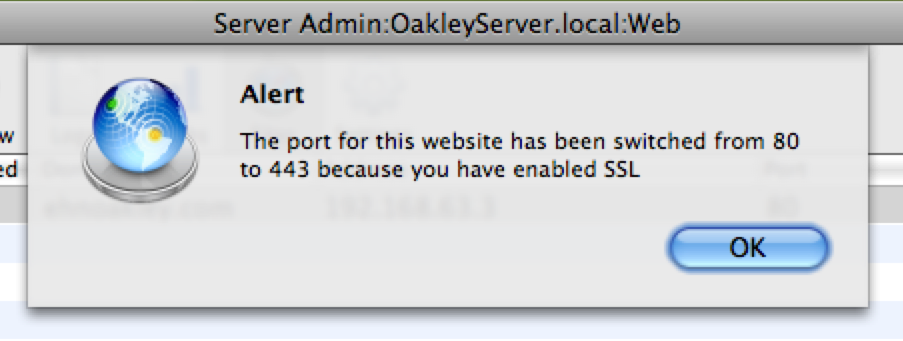
This is an alert displayed as a sheet in Mac OS X 10.5 Leopard in 2008.
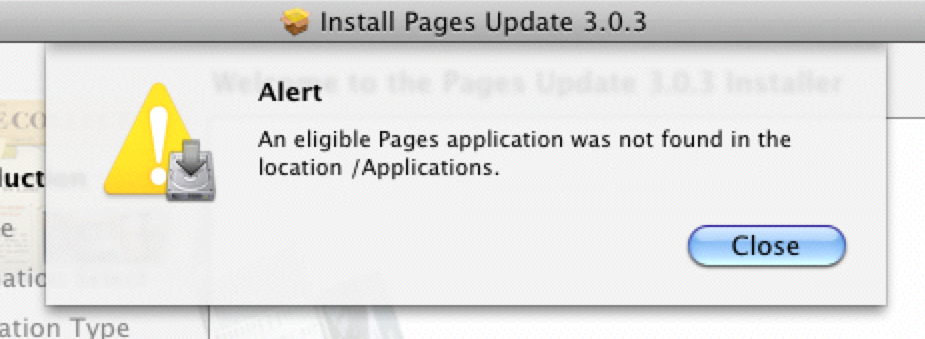
This is another sheet alert with a ‘rare’ cautionary badged icon in Mac OS X 10.6 Snow Leopard in 2010.

This alert from Snow Leopard shows a descendent of the classic stop alert.
In 2012, OS X 10.8 Mountain Lion adopted Notification Centre and its wider range of tools for notifying users, including alerts. This had originated in iOS 5 the previous year. Notification styles include:
- a banner as a transient floating view appearing at the upper right, then disappearing into the pile of notifications;
- an alert similar to previous alerts, required to notify an error;
- a badge displayed in red on the app’s icon in the Dock;
- a sound, either generic or custom.
Although its guidance on alerts remained similar to that in the early years of Mac OS X, Apple stressed that “it’s essential that you avoid displaying an alert unless it’s absolutely necessary.” Such necessity on the part of macOS seemed to increased noticeably.
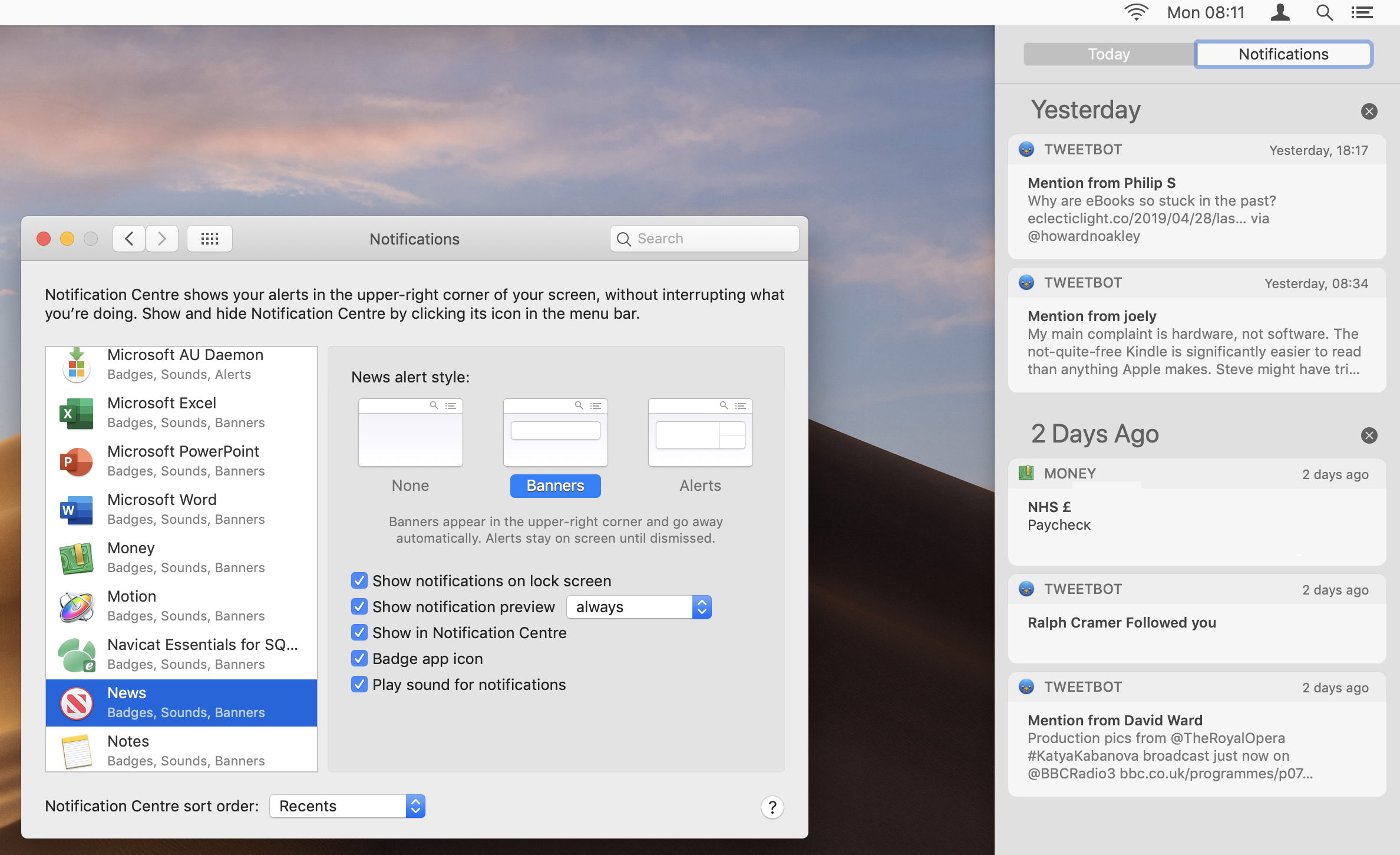
Notifications preferences and their display are seen here in macOS 10.14 Mojave in 2019.
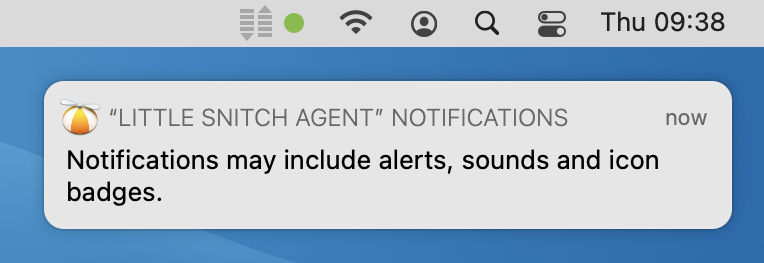
Notifications in macOS 11 Big Sur in 2020 could make poor use of case.
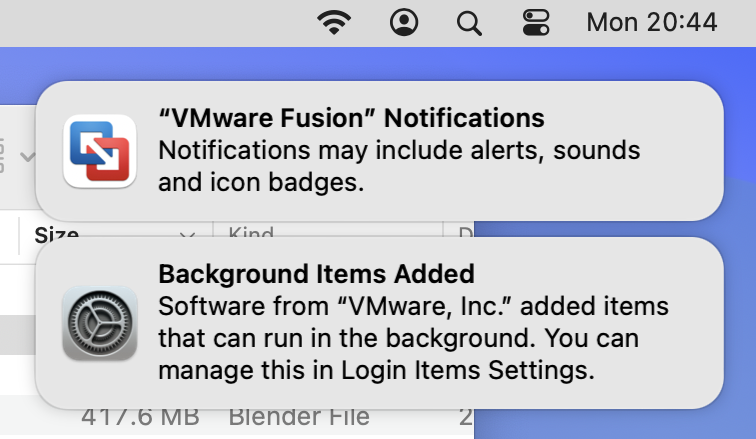
They had improved by macOS 14 Sonoma in 2023.
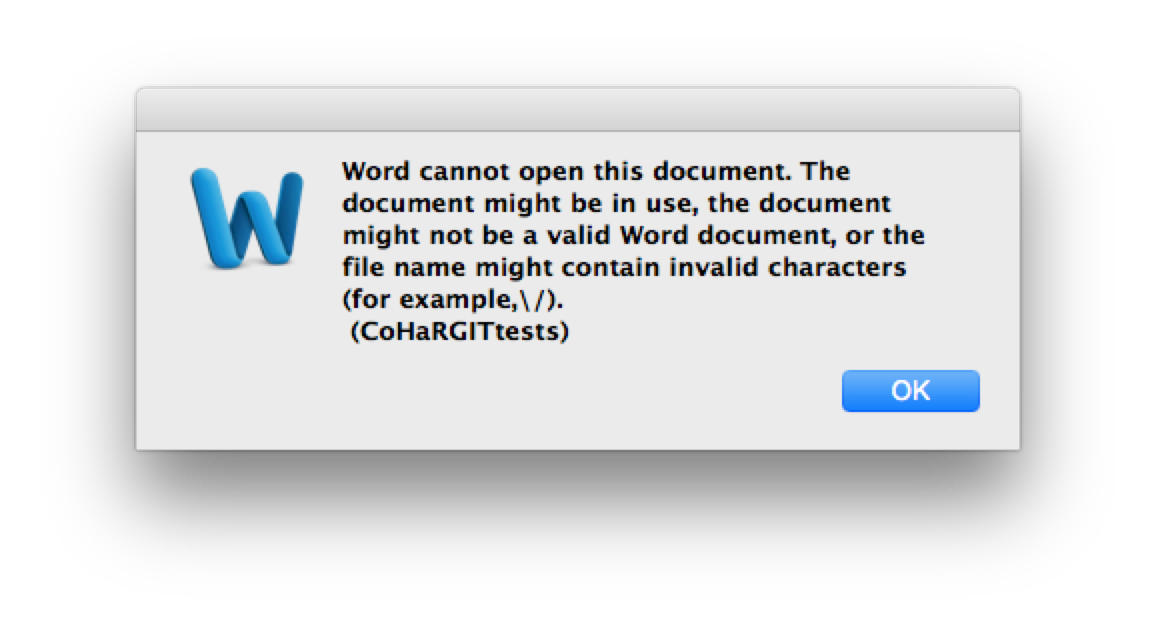
Microsoft Word is seen here in OS X 10.10 Yosemite in 2015, when it wasn’t being helpful in revealing why a document couldn’t be opened.
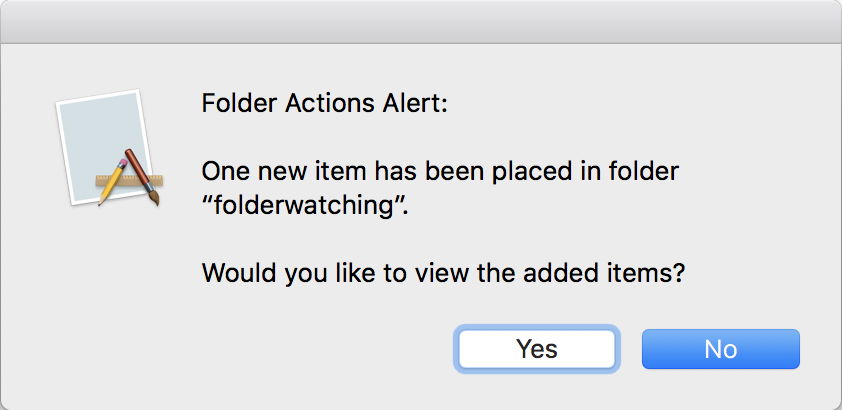
Alerts haven’t always formatted their text uniformly, as seen here in macOS 10.13 High Sierra in 2018.
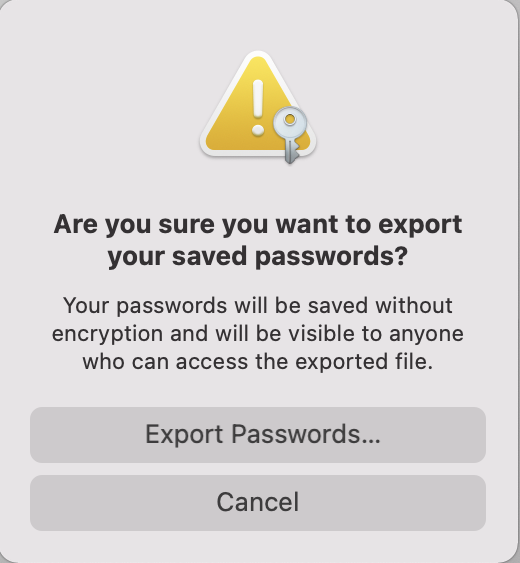
macOS 11 Big Sur in 2020 brought a substantial redesign of the interface, including these bizarre vertical alerts that are clearly intended for display in iOS portrait mode, rather than the almost universal landscape mode of Mac displays. Shown here a year later in Monterey, this alert uses a caution badged icon, with centre-aligned text.
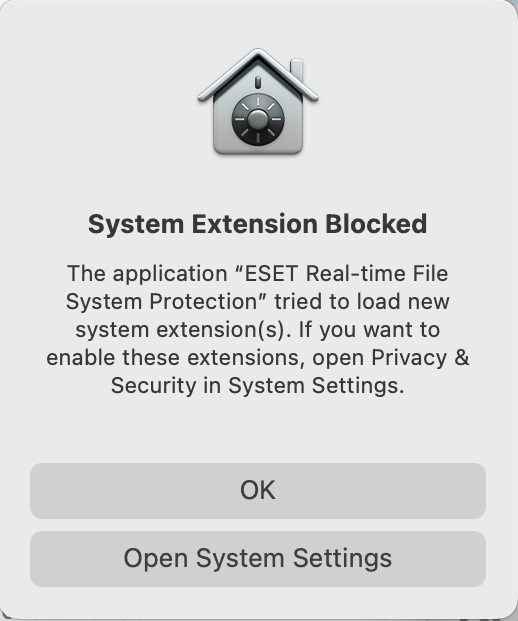
These vertical alerts have persisted, here in macOS 13 Ventura in 2023, in the face of widespread criticism.

Despite Apple’s injunction to avoid displaying alerts unless “absolutely necessary”, macOS has become notorious for using them to excess, particularly when dealing with privacy protection. This example was widely reported in a beta-test version of macOS 14 Sonoma in the summer of 2023. This surely has to be the last word in the evolution of alerts in macOS.
References
Apple’s current HIG on Alerts
A unique compendium of Apple’s HIGs is available from Matt Sephton’s Github.
 The Eclectic Light Company