
Exactly five years ago today, Apple released macOS 10.14 Mojave, one of the major waypoints on the road to Apple silicon, although we didn’t know that at the time. Many of us consider Mojave as the last of the traditional versions of Mac OS X before it was transformed, for better or worse, into today’s multi-volume locked-down complex. It was the last to boot from a single volume, the last to run 32-bit code including QuickTime, and the thin end of the wedge for privacy protection with TCC.

Mojave was also the first release to offer full support for APFS. When that had first been released in High Sierra the year before, at the last minute Apple pulled its support for Fusion Drives, which were thus left still booting the system from HFS+. Developed primarily for use on SSDs, APFS was an essential requirement for the Apple silicon Macs of the future that were going to run macOS from their internal SSDs, and support modern features including snapshots and copy-on-write.

This was also the last of the traditional macOS installers, even if it still suffered from some of their problems. Mojave was installed into a single volume shared by both system and user files, with SIP and permissions as its only protection for the former. At this time, there was no validation of the integrity of system files, and any attacker who managed to bypass SIP was able to replace or modify files within macOS. For Apple silicon Macs, a Secure Boot process was introduced to ensure that everything from the Boot ROM through to the kernel and system are validated against signatures based on cryptographic hashes.
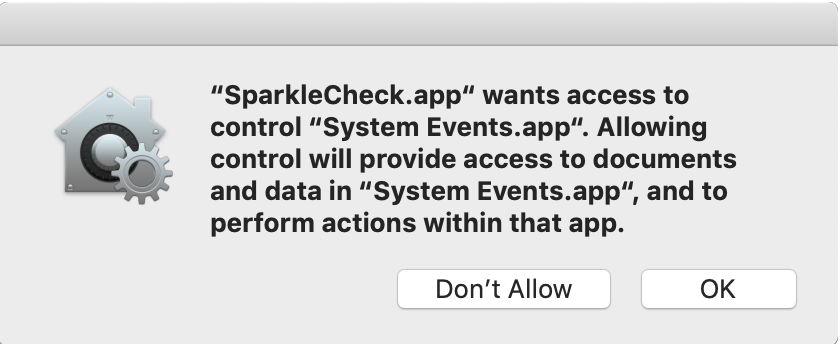
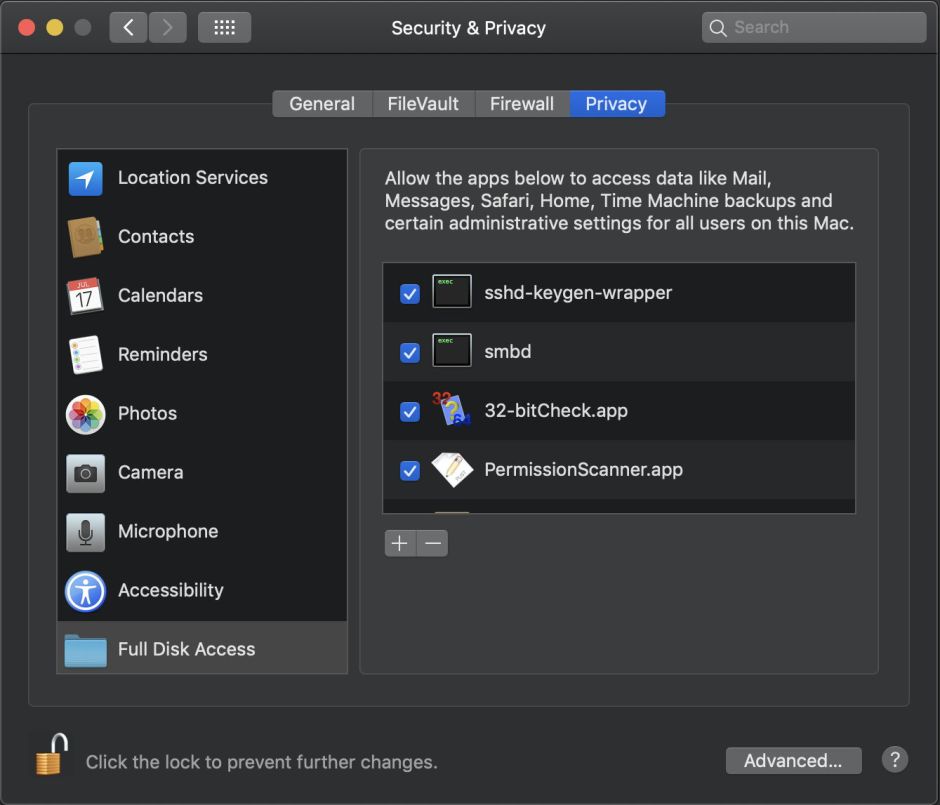
Although basic protection of private data had been present before Mojave, it was the first version of macOS in which more pervasive and extensive protection was provided in TCC (Transparency, Consent and Control). Previously, only permissions and app sandboxes limited code from accessing any file they fancied. In Mojave, to have such free rein the user had to add them to the list of apps given Full Disk Access, and there were other limitations such as those on apps that try to control other apps. Early warnings from developers about the impact these changes would have on the user interface went unheeded, but have slowly settled to a degree over the last five years despite TCC’s inexorable extension.
A more fundamental change unrelated to preparations for Apple silicon Macs passed relatively unnoticed in Mojave, the introduction of Dark Mode.
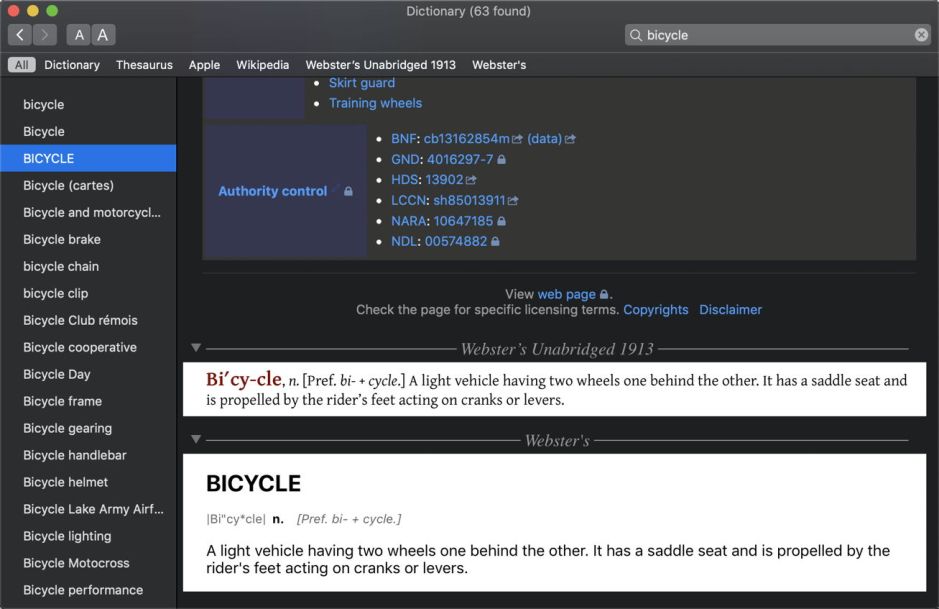
One of the most distinctive features of the original Apple Macintosh was its black-on-white display of text, which proved essential in desktop publishing, pre-press and design markets that the Mac opened up. Thirty-four years later, Mojave gave the user the choice of the exact opposite, in displaying text in white on black using Dark Mode. Although teething problems such as mixed mode in Dictionary shown above were briefly embarrassing, support for Dark Mode has greatly improved, and few apps now don’t handle it well.
Mojave was but one waypoint on the road to Apple silicon. Its successor Catalina was the first 64-bit only version of macOS and the first with its boot volume divided into two, System and Data, although at that stage its System volume was mounted read-only rather than being turned into a snapshot and mounted. Then came Big Sur, with the first Secure Boot from ROM through to the kernel and system, ready at last for the first M1 Macs.
Five years on from Mojave, Sonoma promises to be much less disruptive, although Apple continues to move on from the past. macOS 14 should bring fewer shocks to the system than 10.14 did five years ago.
 The Eclectic Light Company