
To start this week I have a new app, Disclipper, and an update to Providable that’s recommended for anyone who reads its Help book.
Disclipper 1.0
If you have been following my recent series of articles about the Finder’s clipping files, you’ll be expecting this first release for macOS 14.6 or later.
This app analyses, displays and gives direct access to the contents of clipping files, including textClipping, pictClipping, webloc and mailloc files. It doesn’t work with their oldest versions, as they only contain information in their resources, but works with more recent clipping files from about 2015 that also store their data in the main body of the clipping file.
Simply drag and drop one of those clipping files onto its window, and Disclipper lists the data types it contains in its sidebar. Select one of those, and if it’s text-based the contents will be displayed in the main view in the window. If you only want to copy text, use the Copy command to do that, and you can paste the text into another document.
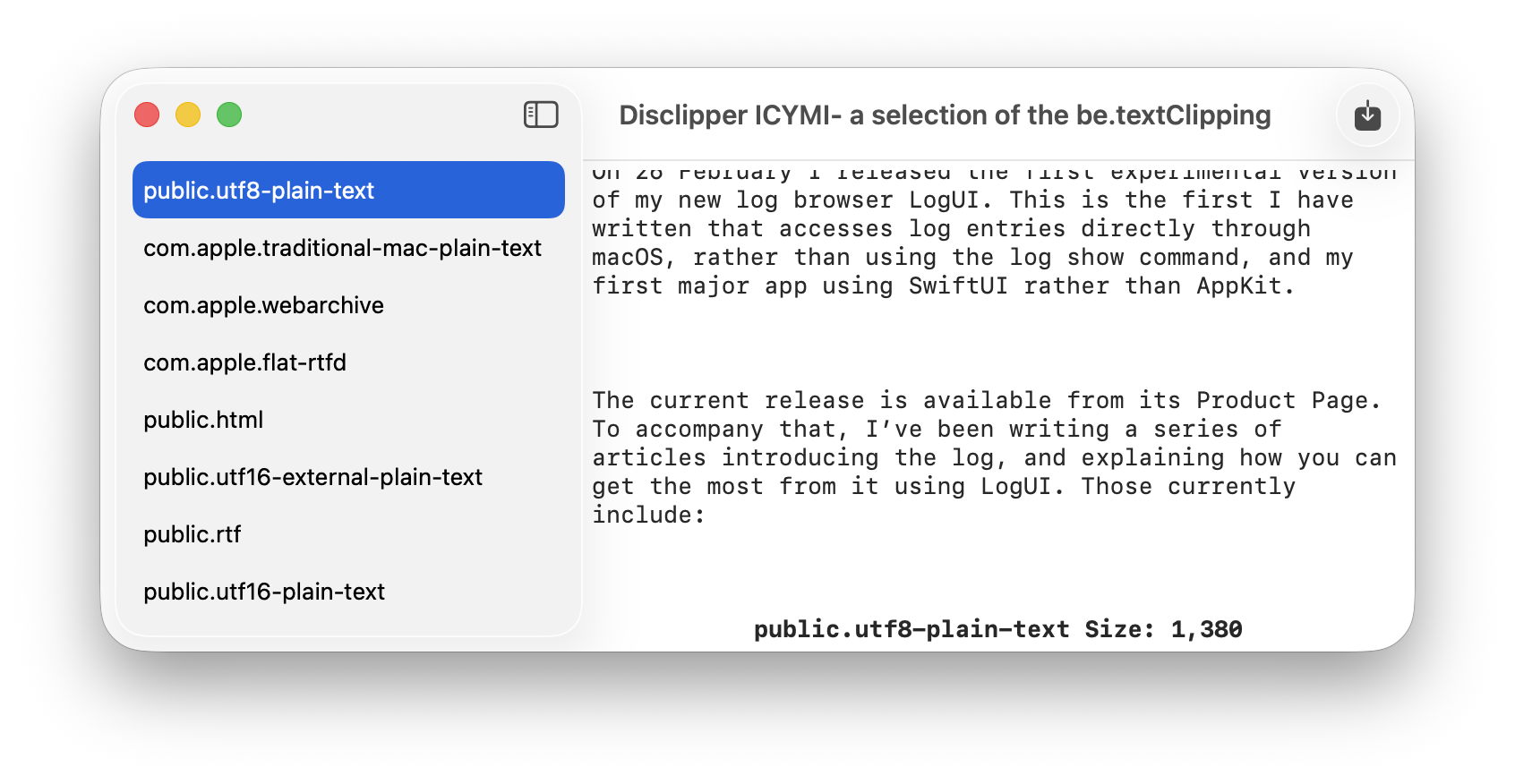
Where Disclipper comes into its own is saving files containing those types. textClippings made from a webpage in Safari, for example, normally offer at least WebArchive and RTFD, together with HTML and RTF. With the chosen type selected in the sidebar, click on the Write Clip to File tool and Disclipper creates a new WebArchive, RTFD, HTML or RTF document ready to open in another app.
There are only two shortcomings that I’m aware of in this version. I would have liked to display a preview of non-text types, but that appears to require saving them first before QuickLook can do that. I would also have liked to support multiple windows, but there seems to be something fragile in SwiftUI in that respect, I think in its current implementation of the NavigationSplitView used for the sidebar. That may change in a future release of the APIs used.
Disclipper currently supports all 12 data types that I have come across in clipping files, from simple link URLs to WebArchives and TIFF images.
Disclipper version 1.0 is now available from here: disclipper10
but only from this page until I’m satisfied that it’s working properly.
Providable 1.1
I released version 1.0 on Christmas Day, and haven’t had any reports of problems with it. However, its Help book repeatedly confuddles provenance with providence in a way that could confuse. This update puts that right, so you’ll no longer think it’s in the capital city of Rhode Island when it should be in a Napa Valley vineyard.
Providable version 1.2 is now available from here: providable11
 The Eclectic Light Company